
Calculating future renewal revenue from active WooCommerce subscriptions
The Future Renewals Report shows you upcoming renewal revenue from your active WooCommerce subscriptions. Use it to forecast cash flow, plan inventory, and understand what subscription revenue you can expect over any date range.
Unlike historical reports, this report looks forward — predicting when renewals will occur and how much revenue to expect based on your active subscriptions' billing schedules.
Access the report
Go to the Future Renewals Report
Navigate to https://app.metorik.com/reports/subscriptions-future or find it under Analytics → Subscriptions → Future Renewals.
Select your date range
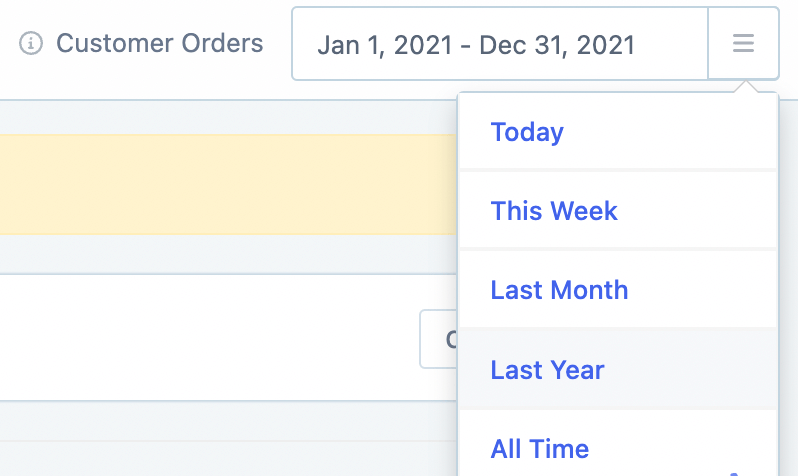
Use the date picker at the top to choose the period you want to forecast. You can select from default ranges (like Next 30 days or This month) or set a custom date range.
You can control which default date ranges appear in the dropdown from your store's date settings.
Filter by products or categories (optional)
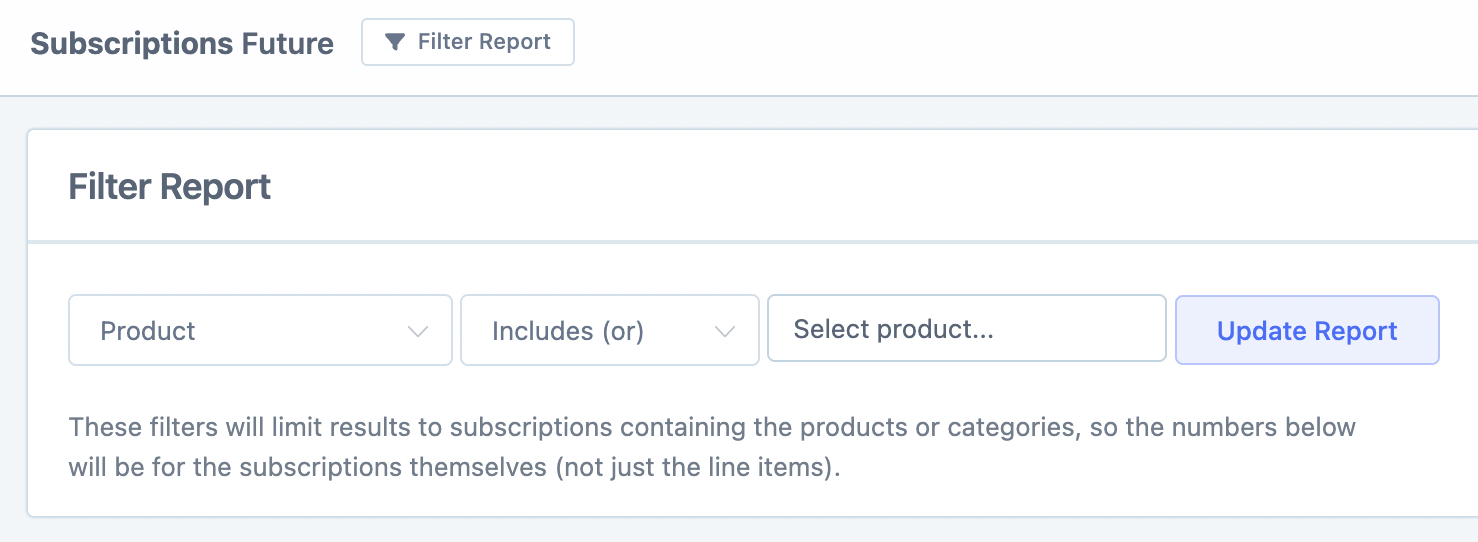
By default, the report shows renewal revenue for all subscription products. To narrow it down, click Filter Report and select specific subscription products or categories.
Review the renewal forecast graph
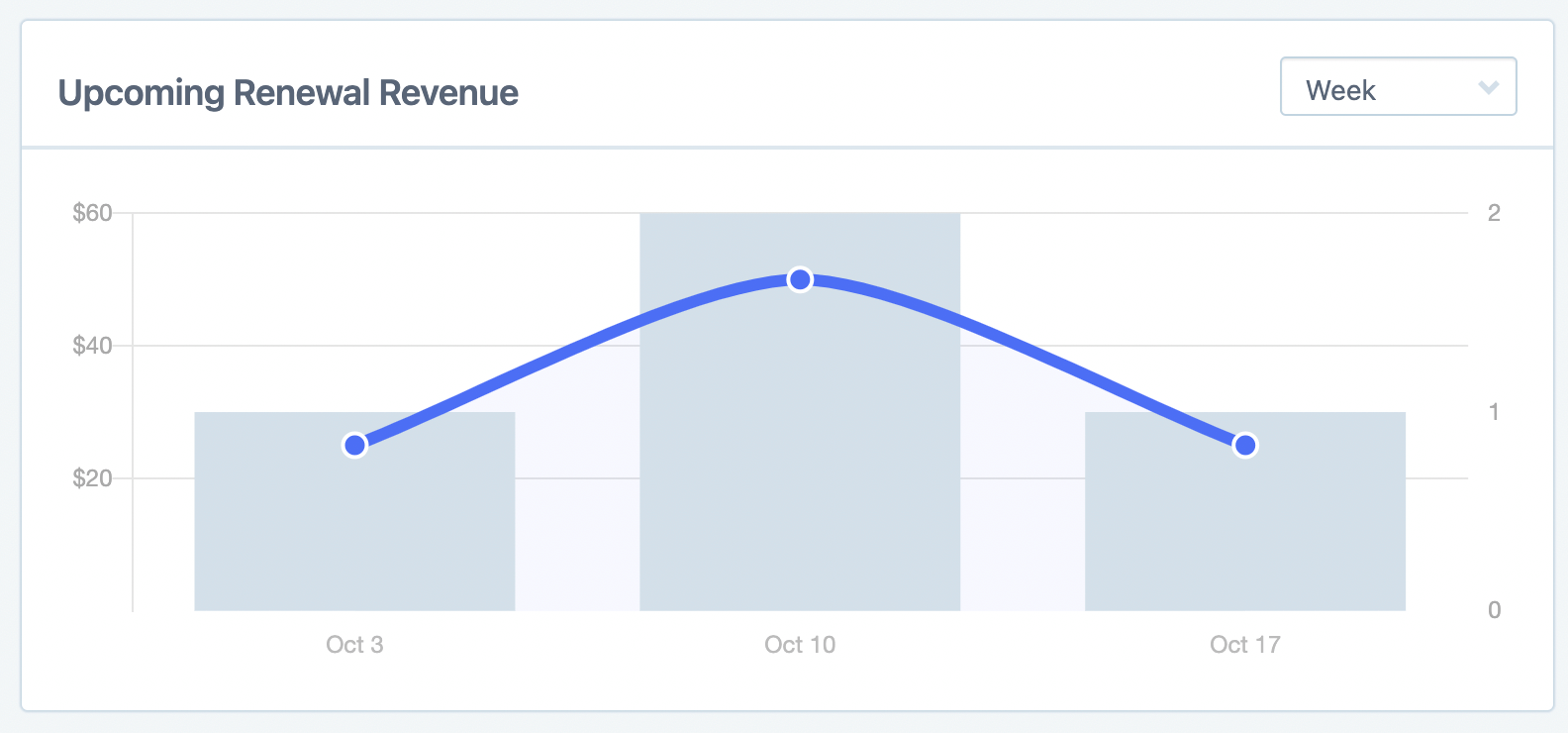
The graph displays two metrics together:
Bar graph: Number of subscriptions due for renewal
Line graph: Expected monetary amount from those renewals
Group the data by daily, weekly, or monthly periods using the grouping option. Hover over any data point to see exact figures.
Check the summary totals
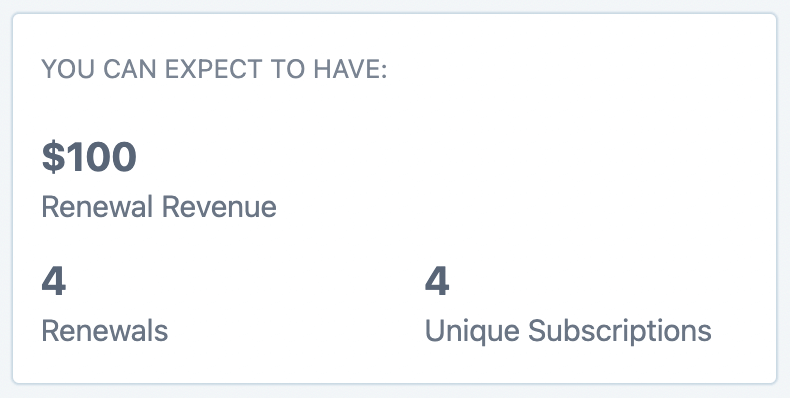
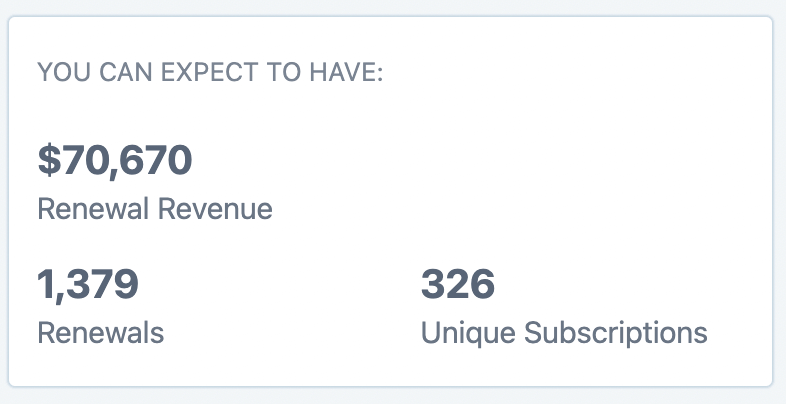
Below the graph, you'll see the summary for your selected period:
Renewal Revenue: Total expected revenue from renewals
Renewals: Total number of renewal events
Unique Subscriptions: Distinct subscriptions that will renew
Export the breakdown (optional)
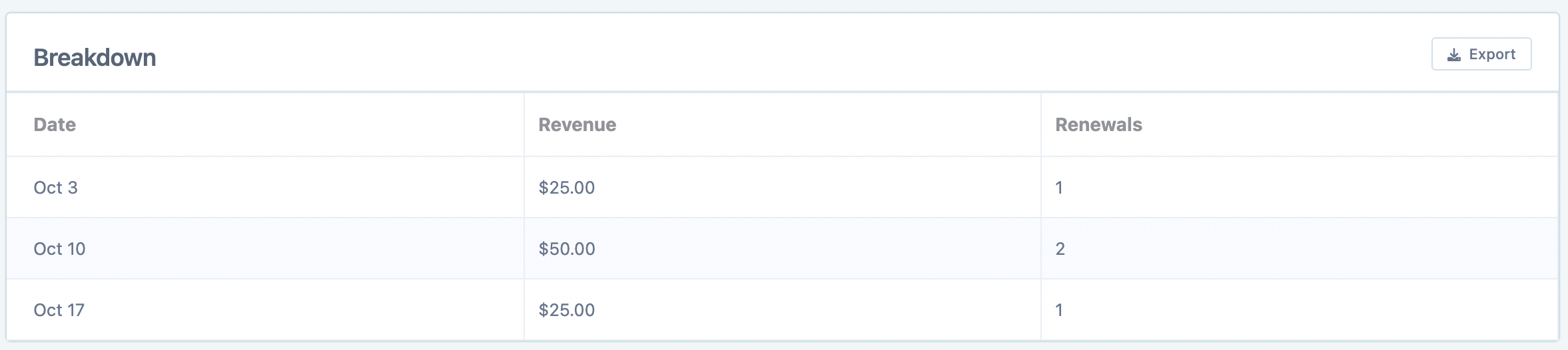
Scroll down to the breakdown table, which shows the graph data in tabular format. Click the Export button on the right to download it as a CSV file.
Understanding Renewals vs. Unique Subscriptions
The report predicts multiple renewals for single subscriptions. This means Renewals can exceed Unique Subscriptions — especially over longer date ranges.
Example: A monthly subscription renews on the 26th of each month. If your date range is September 23 – October 31, that subscription will have 2 renewals (September 26 and October 26) but counts as only 1 unique subscription.
This distinction is important when interpreting the numbers:
Renewals = Total renewal events scheduled in the period
Unique Subscriptions = Distinct subscriptions contributing to those renewals
Related resources
WooCommerce: Subscription Reports — overview of all subscription reports and terminology
Date Ranges and Settings — configure default date ranges for reports
Exporting Data — more on CSV exports and recurring exports