
Creating a daily email with low stock products
Stay on top of your inventory by setting up an automated daily email that alerts you when products are running low on stock. You can do this two ways in Metorik: add a low-stock segment to a digest, or create a recurring export that sends you a CSV file.
Both approaches start by creating a saved product segment that filters for low stock items.
Method 1: Using Digests
Create the product segment
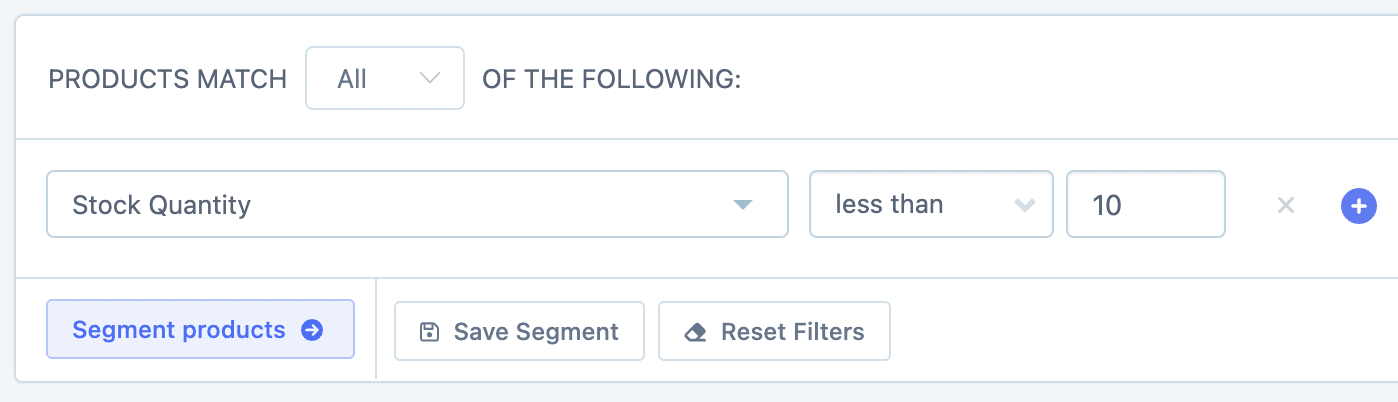
From the Products page, use the segmenting tool to add a Stock Quantity less than 10 filter (adjust the number to suit your threshold):
Click Save Segment and name it something like Low Stock Quantity:
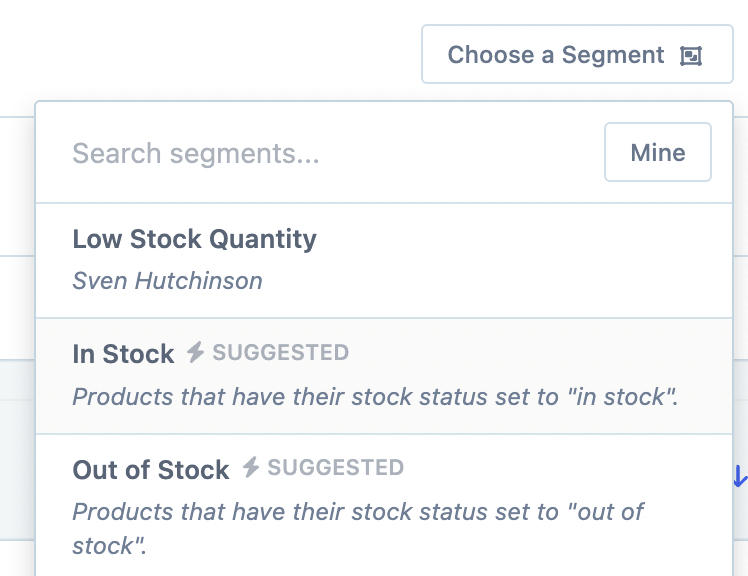
Add the segment to your digest
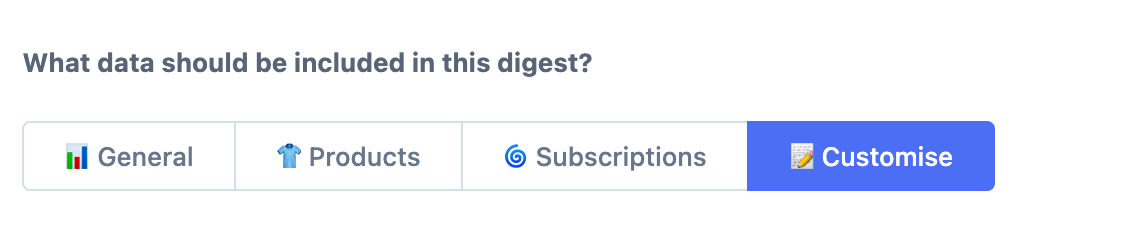
Go to Digests, create a new digest, and on step 4 click the Customise tab:
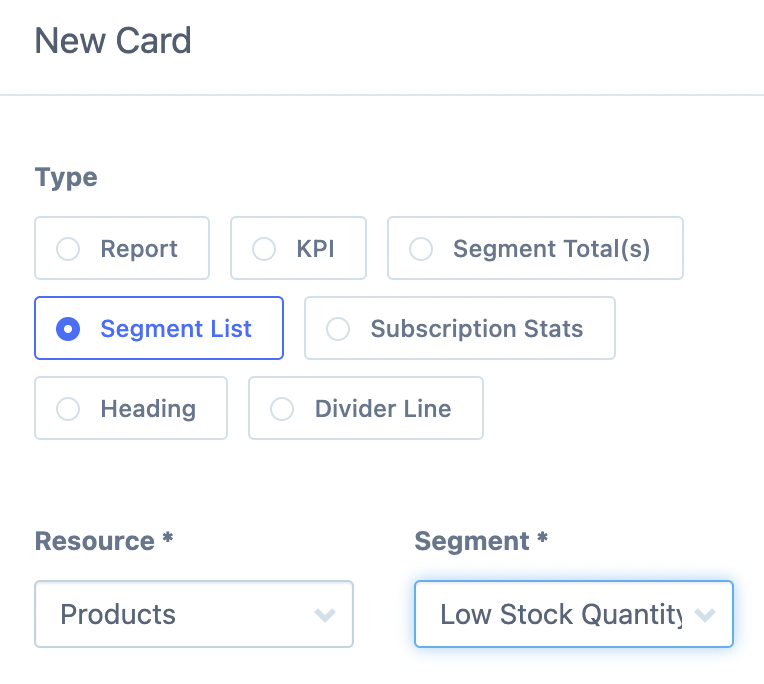
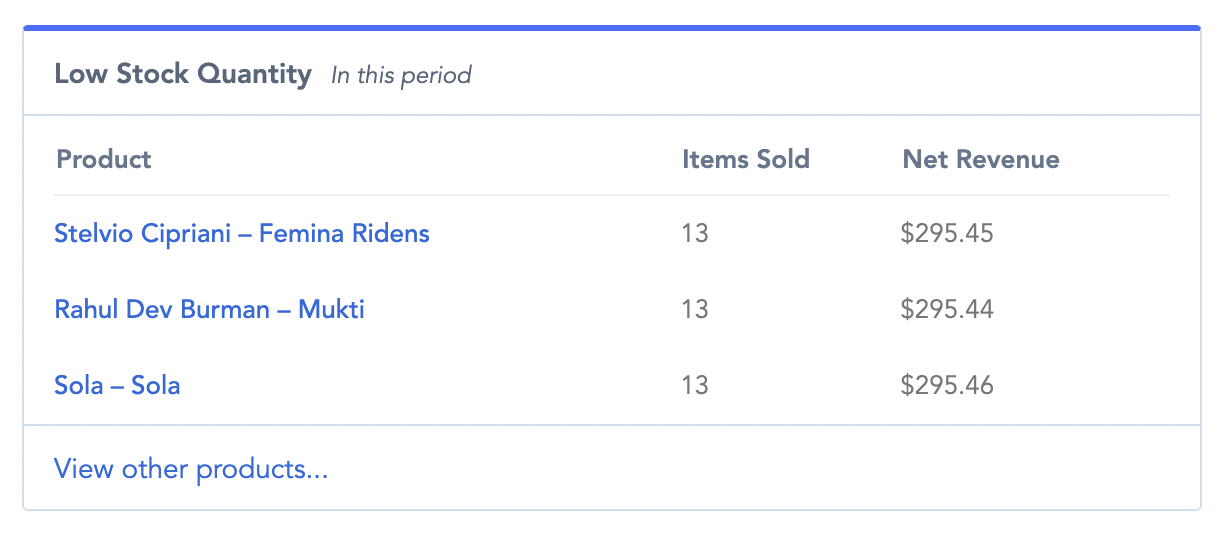
Add a New Card, choose Segment List, and select your Low Stock Quantity segment:

Click Save & Activate.
The digest card shows which products are in the segment, but not their exact stock counts. Use the export method below if you need exact quantities.
Method 2: Using Recurring Exports
Select your saved segment and export
From the Products page, load your Low Stock Quantity segment. Click Export Products:
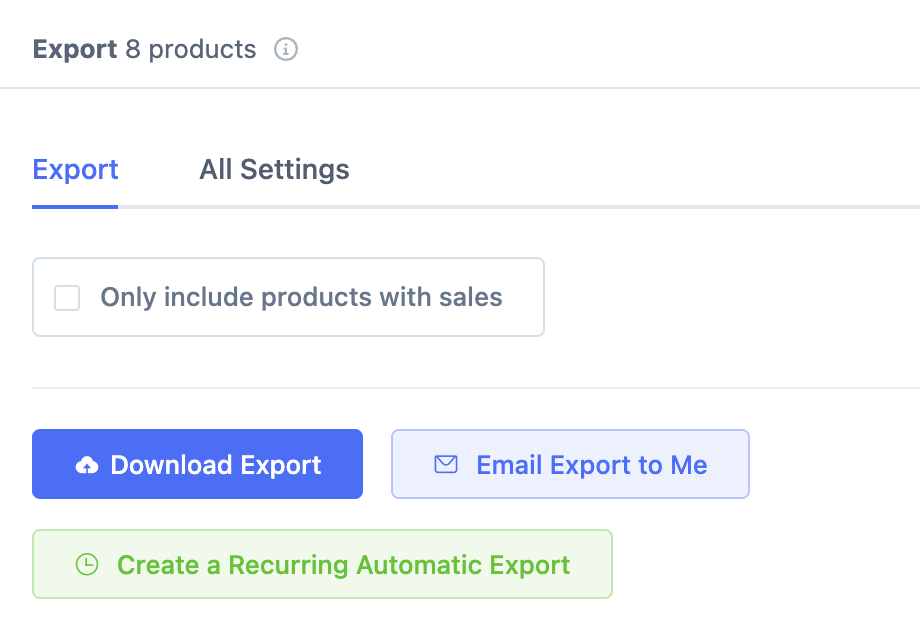
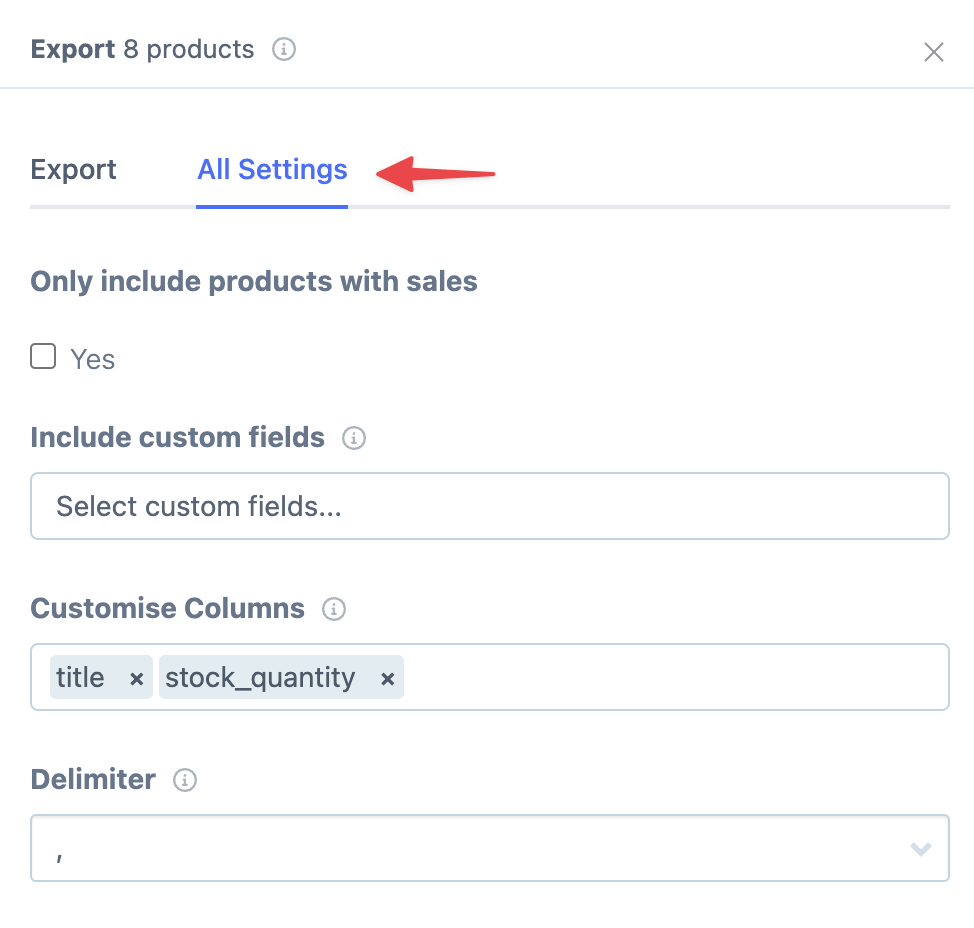
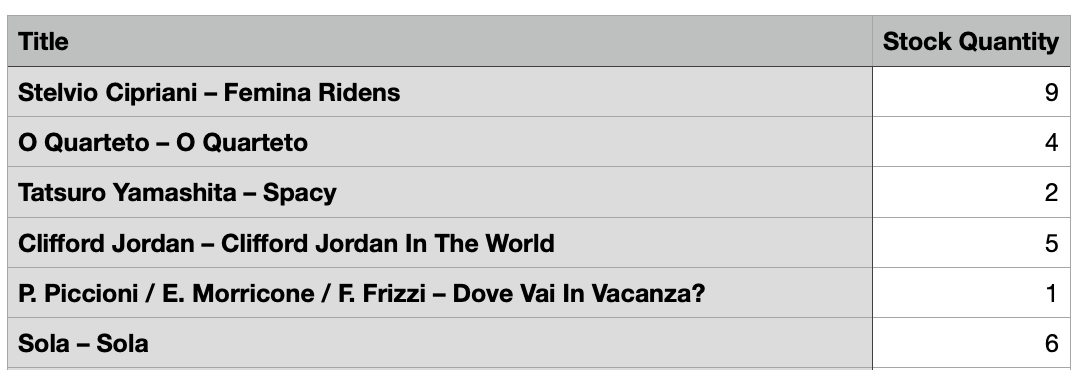
Go to All Settings, enable Customize columns, and select Title and Stock Quantity:
Set up the recurring schedule
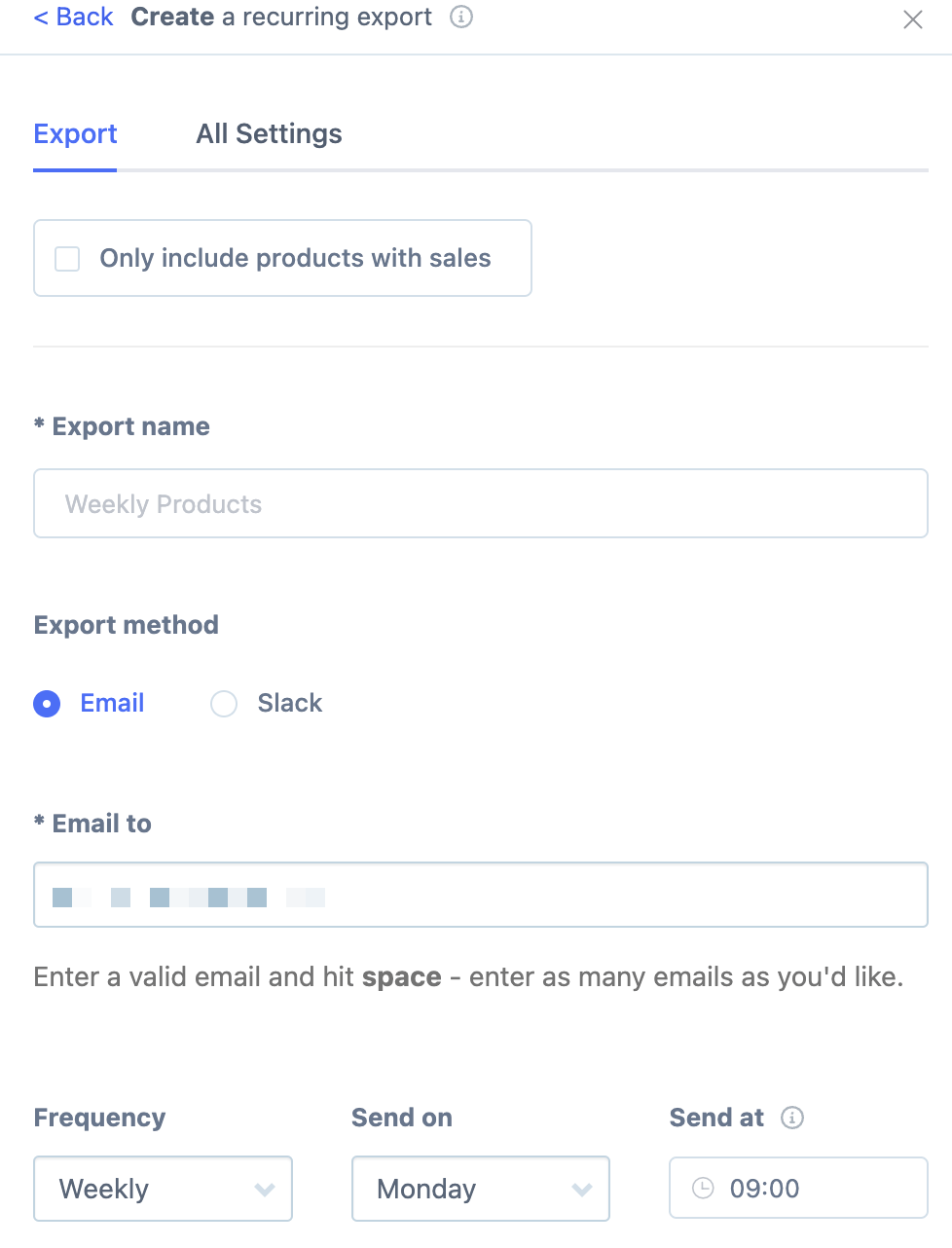
Select Recurring Export, choose Daily frequency, enter the recipient email addresses, give it a name, and click Create Export:
Which method should you use?
Method | Best for | Stock counts visible? |
|---|---|---|
Digest | Quick overview alongside other metrics | No (product names only) |
Recurring Export | Exact stock quantities; spreadsheet workflows | Yes (in CSV columns) |