
Creating a reminder email notification
Set up automated reminder emails for follow-ups, calls, or any time-sensitive customer task. By combining custom fields, saved segments, and digests, you can receive weekly or daily email reminders with a list of customers that need attention. Custom field editing from Metorik is only available on WooCommerce stores. On Shopify, you can store your own labels on customers with Metorik Properties instead.
How it works
The process involves three parts:
Add reminder custom fields — Store follow-up dates on customer profiles
Create saved segments — Filter customers whose reminder dates are coming up
Set up a digest — Automatically email you the list on a schedule
Add reminder custom fields to customer profiles
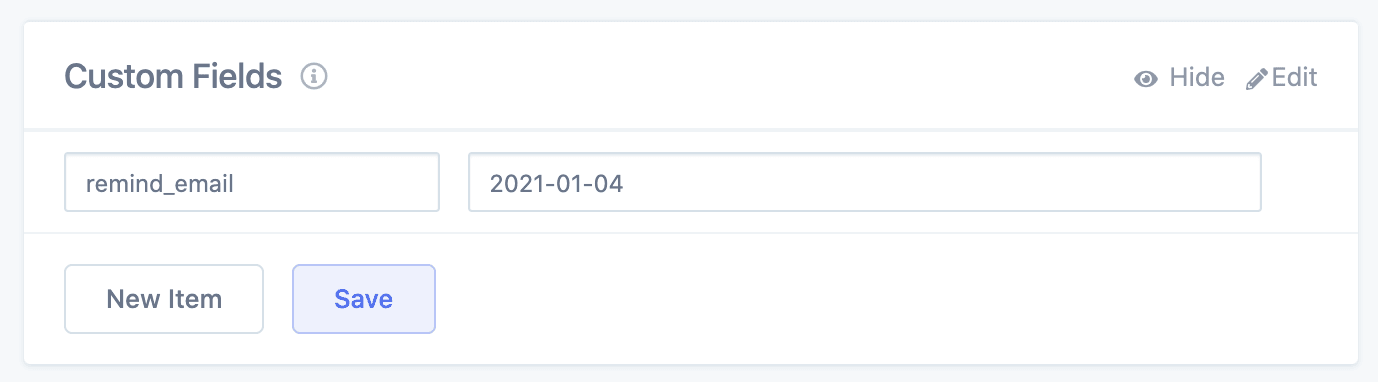
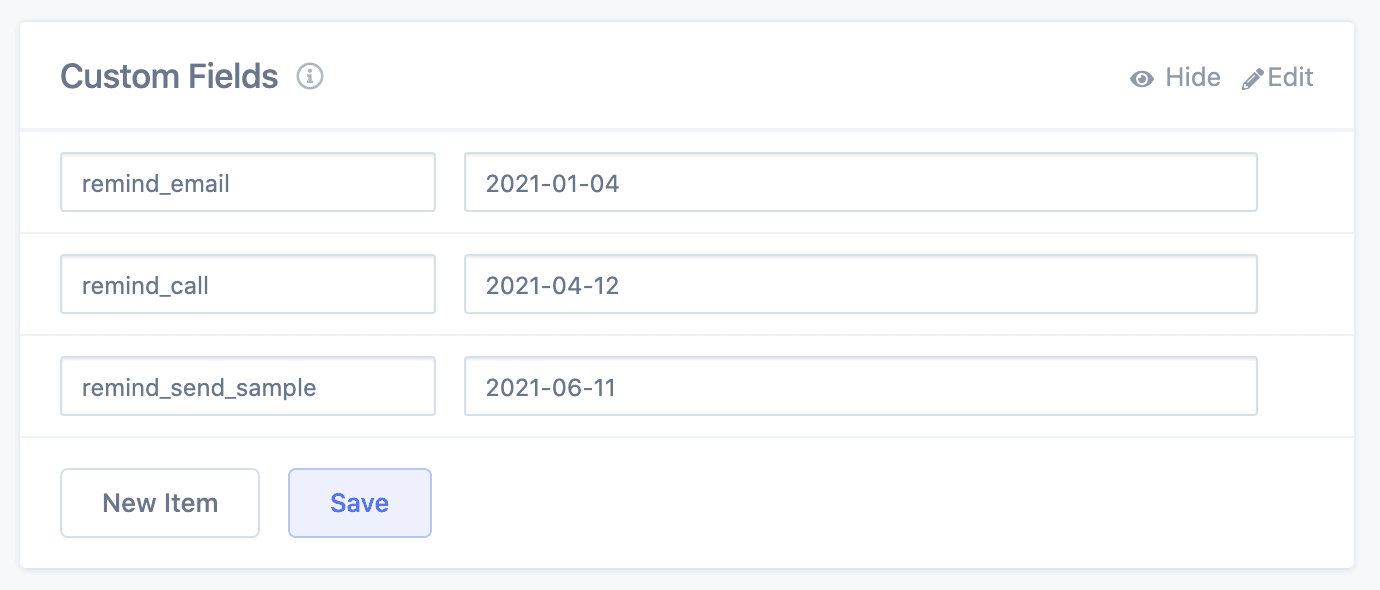
From any customer profile page in Metorik (WooCommerce stores), scroll to the Custom Fields section and click the edit icon. Add a date field with a prefix like remind_ so they're easy to identify — for example, remind_email or remind_call. Enter the date in YYYY-MM-DD format.
Create saved segments for upcoming reminders
Go to the Customers page, open the segment filter dropdown, scroll to the bottom to find your custom fields, and select your reminder field with the condition is in the next 7 days.
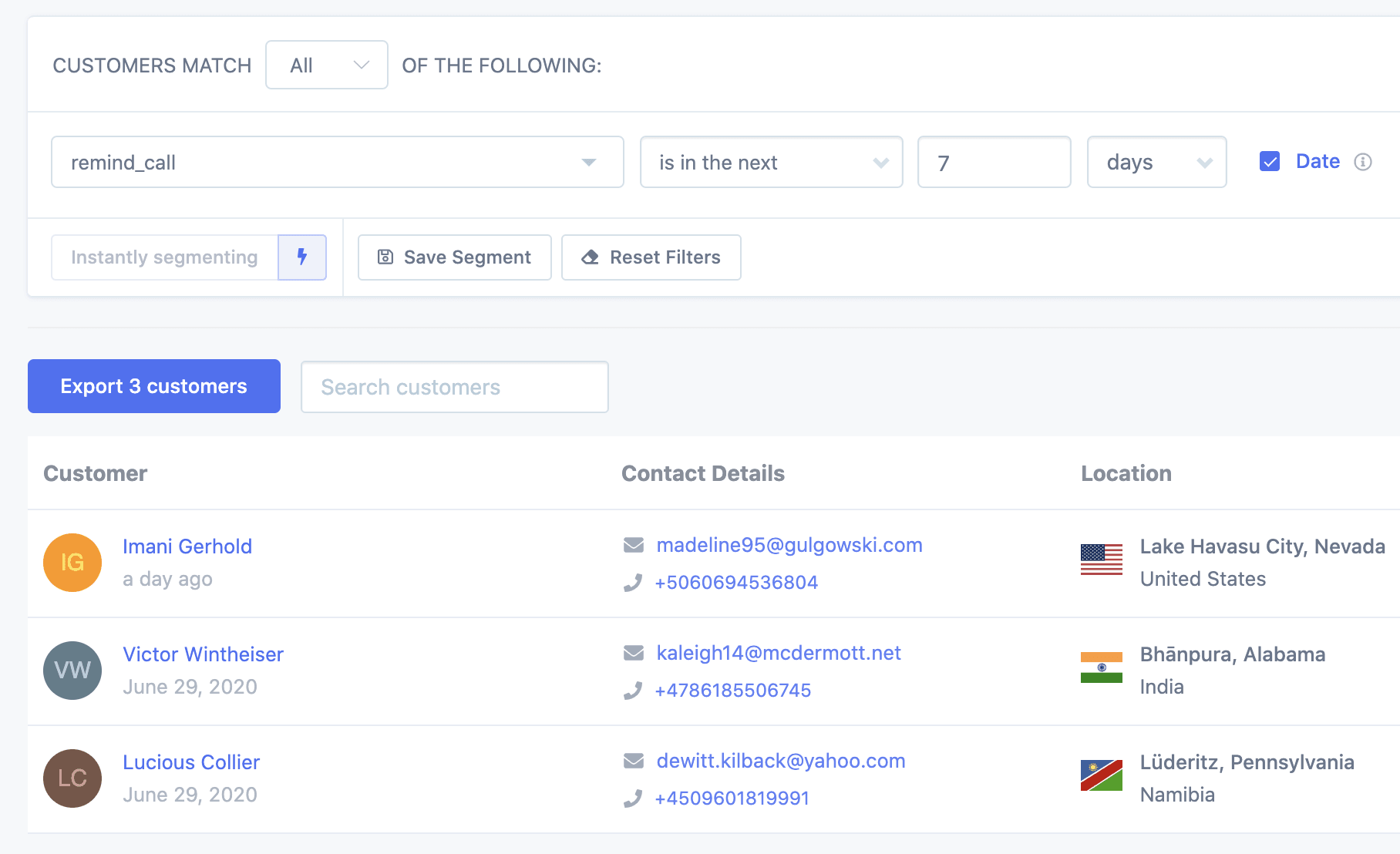
Click Save Segment and give it a descriptive name. Repeat for each reminder type you want to track. For more on saving segments, see Segmenting Data.
Set up a digest to email you the reminders
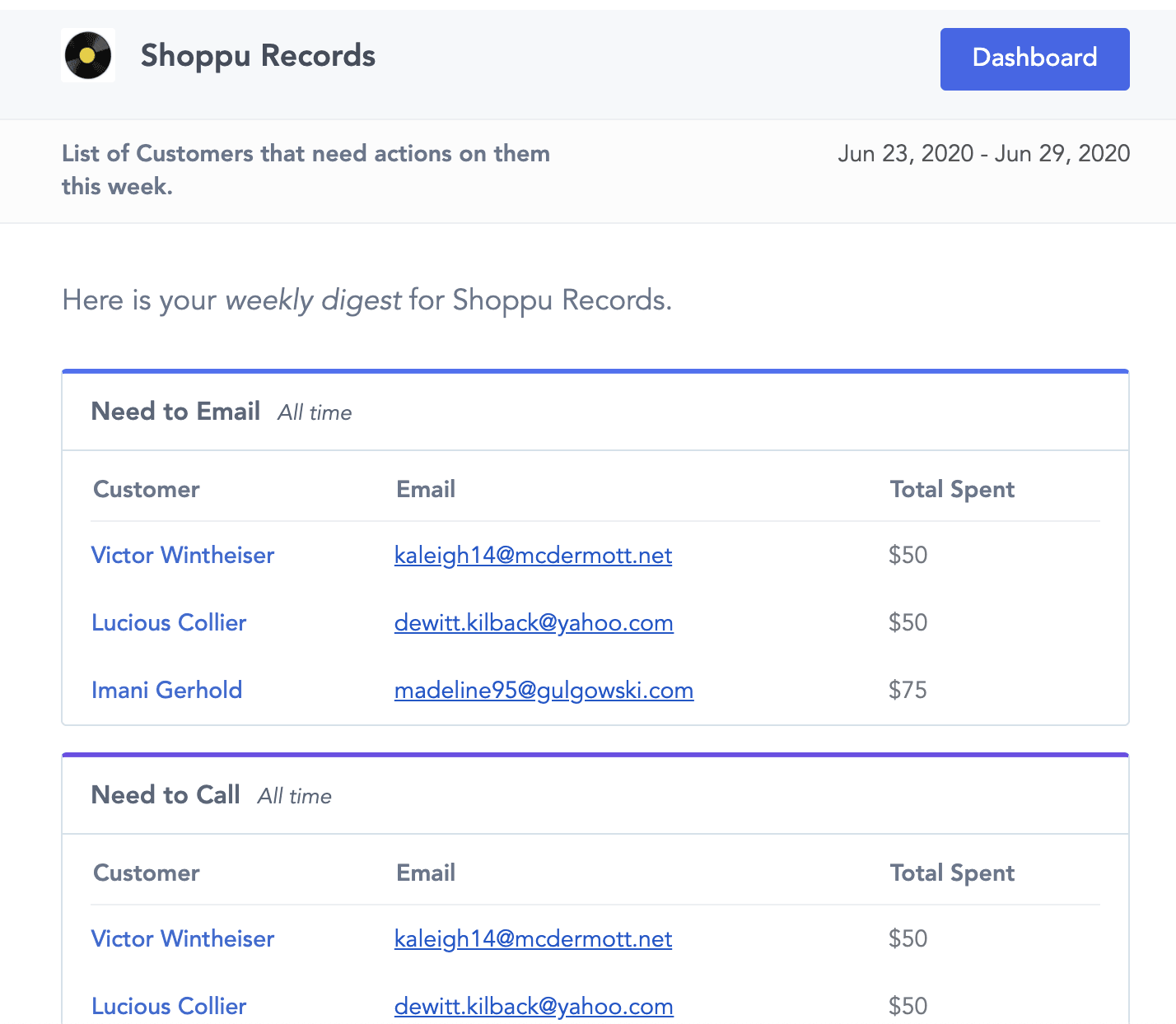
Create a new digest from Digests in the sidebar. On step 4, add your saved reminder segments as Segment List cards. See Creating Digests for a full walkthrough.
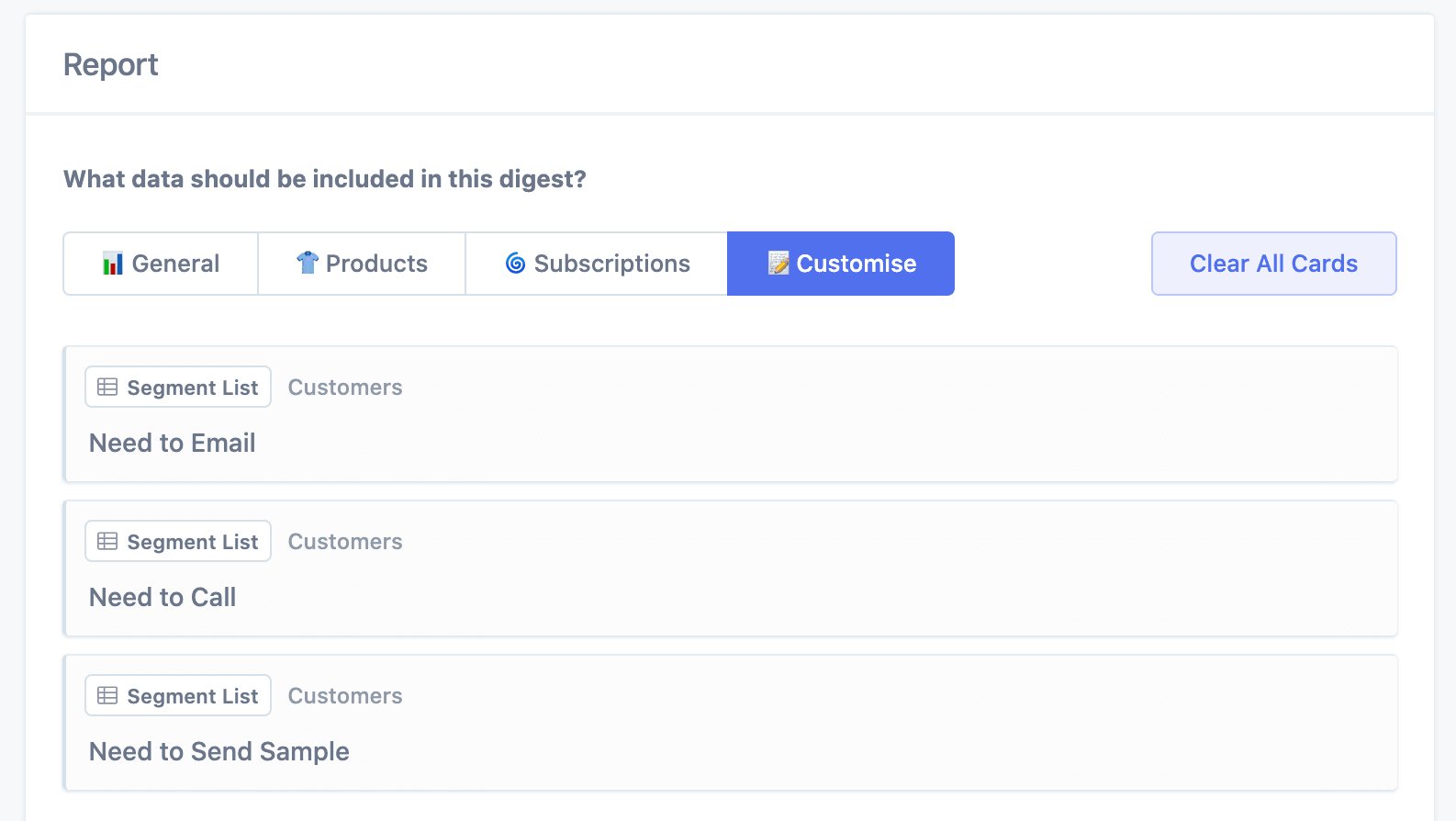
Click Save & Activate. Your digest will now email you the list of customers needing follow-up on your chosen schedule.
Alternative: Recurring Exports
If you prefer a CSV file, set up a Recurring Export instead of a digest.