
Finding your top spending customers from a certain country
Use Metorik's segmenting tools to quickly identify your highest-value customers in a specific region. This is useful for targeted marketing campaigns, regional analysis, or understanding geographic spending patterns.
Go to the Customers page
Navigate to app.metorik.com/customers to access your customer data.
Set your date range
Click the date selector at the top of the page and choose the period you want to analyze. For example, select Last Financial Year to see annual spending patterns.

Add a country filter
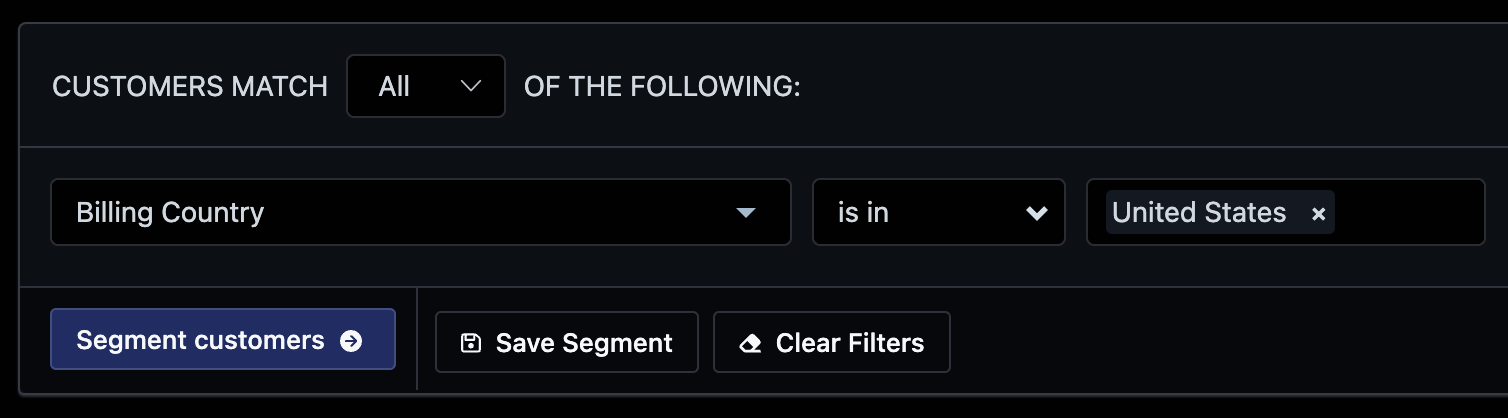
Click the segment dropdown and add a filter for Billing Country or Shipping Country. Set the condition to is in and select your target country (for example, United States).
Click Segment customers to apply the filter.
Sort by total spend
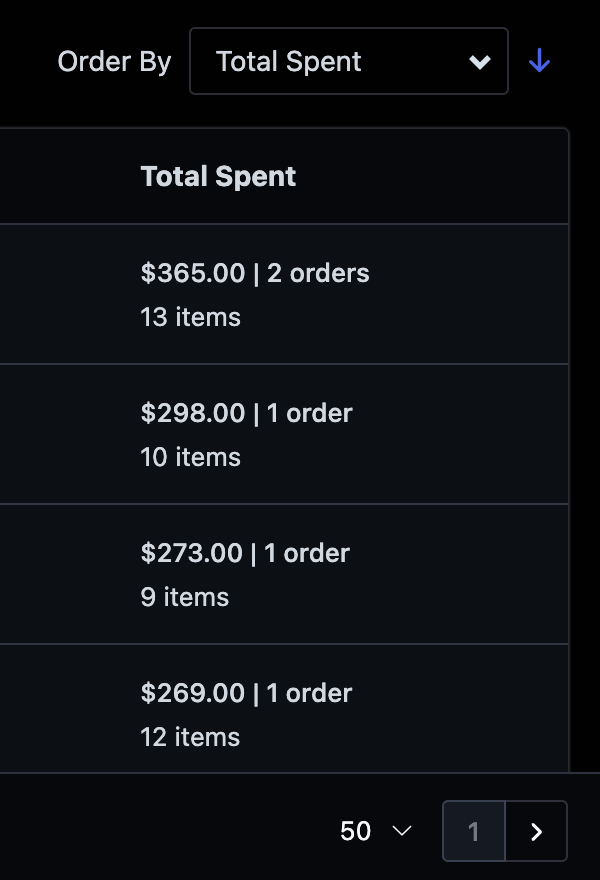
Use the Order By dropdown at the top of the results to sort by Total Spent. This will rank your customers from highest to lowest spend.
Set the page to show top results
Adjust the results per page to 50 using the dropdown at the bottom of the list. This gives you a clear view of your top spenders in one page.
View individual customer details
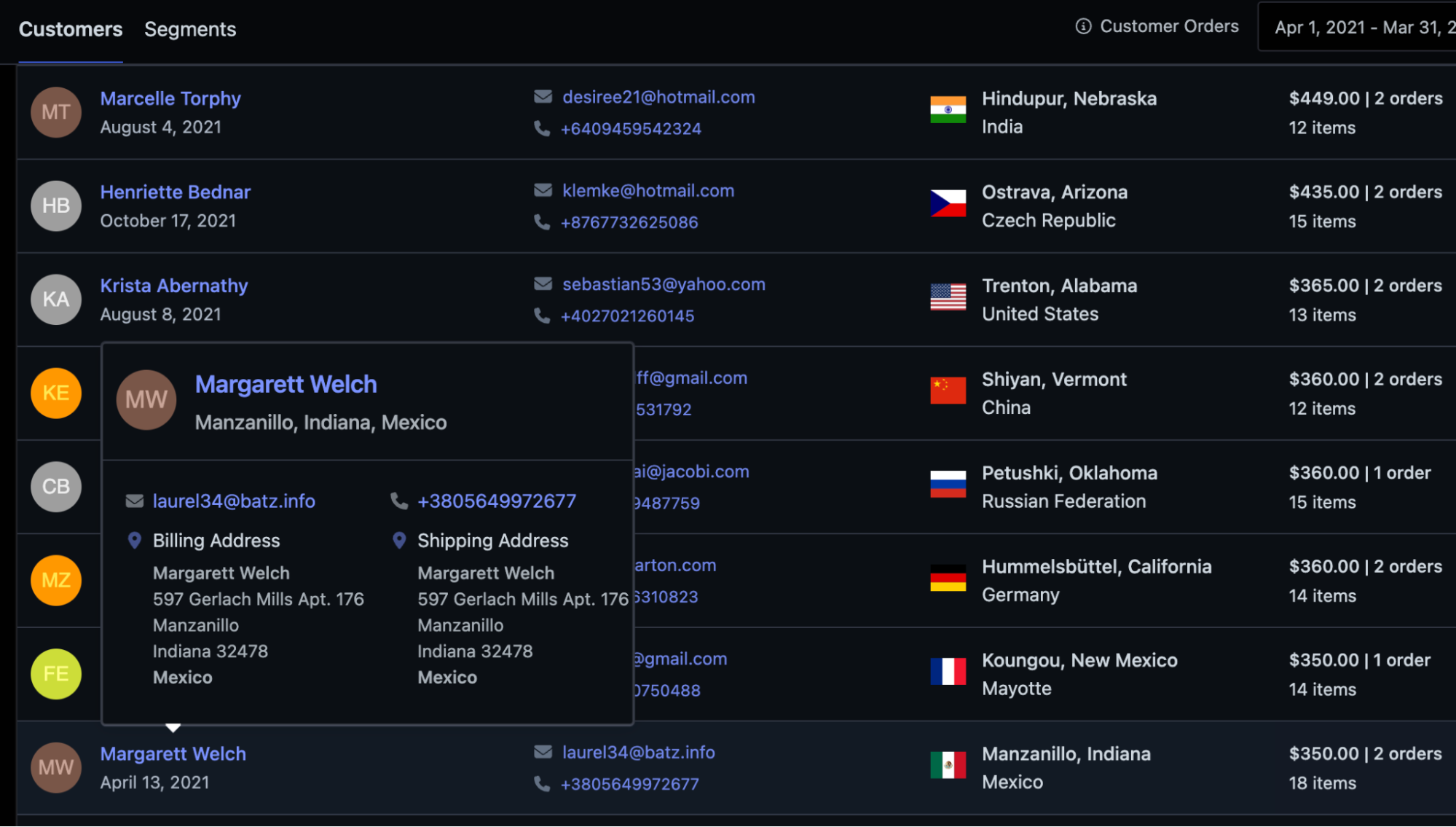
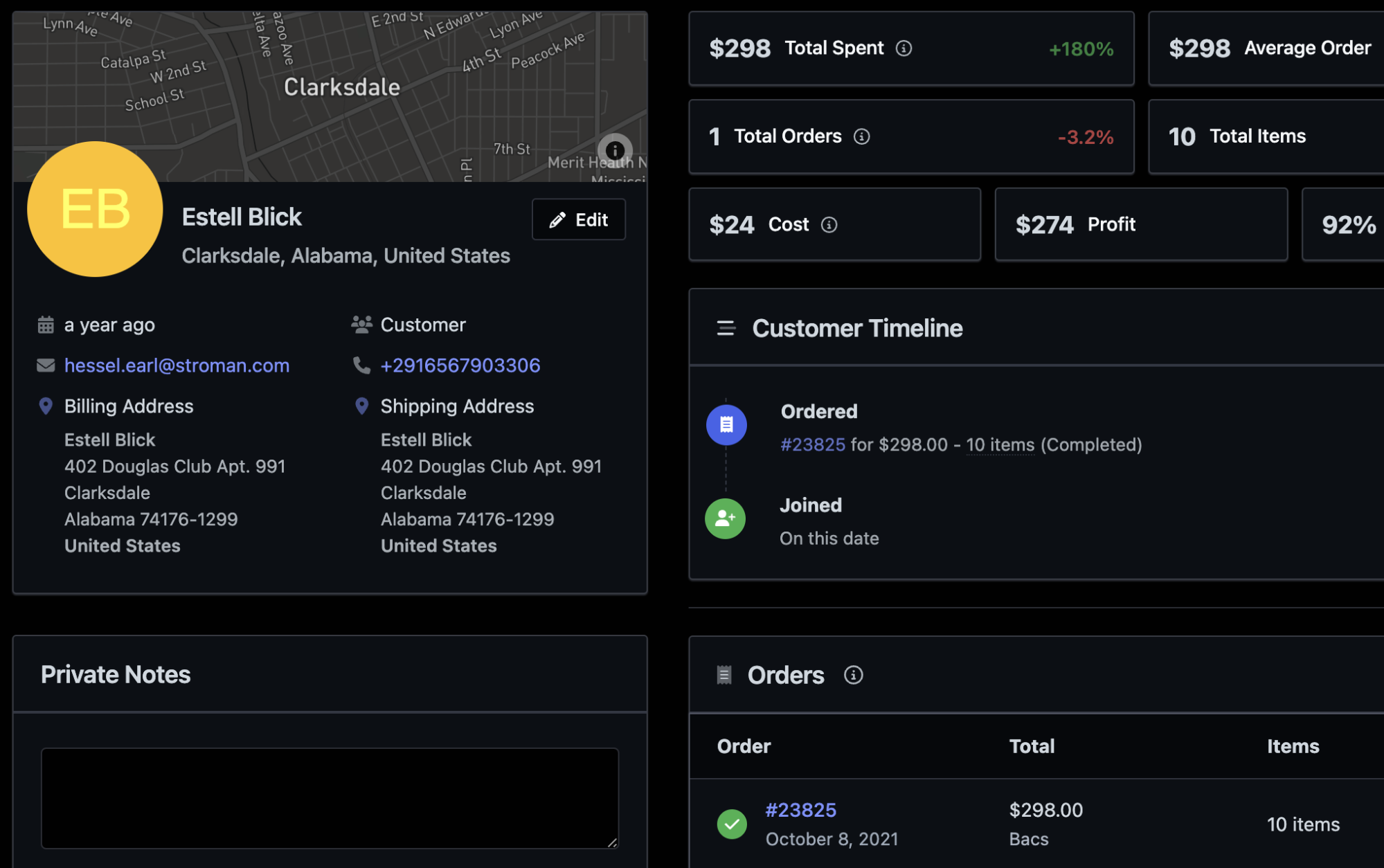
Hover over any customer row to see a quick preview of their billing and shipping addresses. Click through to the customer profile to see their full order history, total spent, profit metrics, and timeline.
Export your results
Click the Export button to download your filtered customer list as a CSV. You can customize which columns to include—such as total spent, order count, email, or location—so you only export the data you need.
Learn more about Exporting Data.
What's next
Segmenting Data — explore more filters and save segments for reuse
Customer Reports — see broader customer analytics and trends