
View product views and conversion rates
When you connect your Google Analytics integration to Metorik, you can see views and conversion rate data for each product directly in the Products table. This helps you identify which products get the most attention and how well they convert visitors into buyers.
Before you start
You need to have the Google Analytics integration connected to your store. Views and conversion rate data comes from Google Analytics, so this data won't appear until the integration is set up.
Use the Views & CR column set
The fastest way to see views and conversion rates for your products is to use the built-in Views & CR column set.
Go to the Products page
Navigate to the Products page in Metorik.
Open the Columns menu
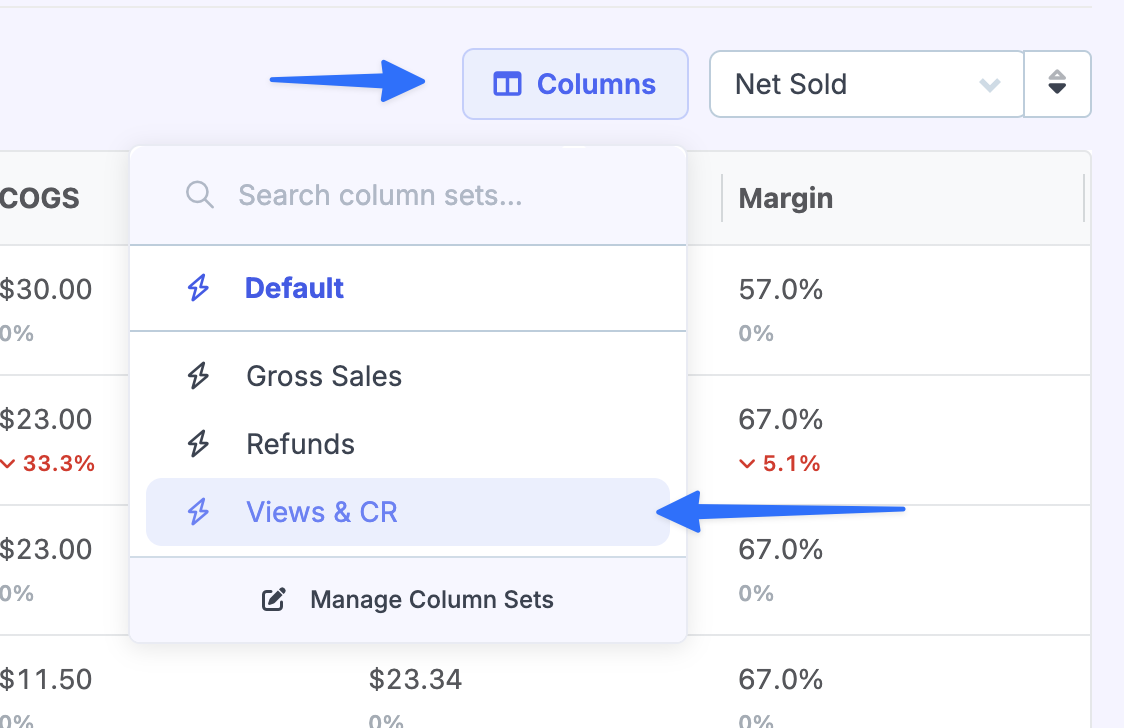
Click the Columns button above the products table.
Select the Views & CR column set
In the column sets list, click Views & CR. This adds the Views and Conversion Rate columns to your products table.
View the data
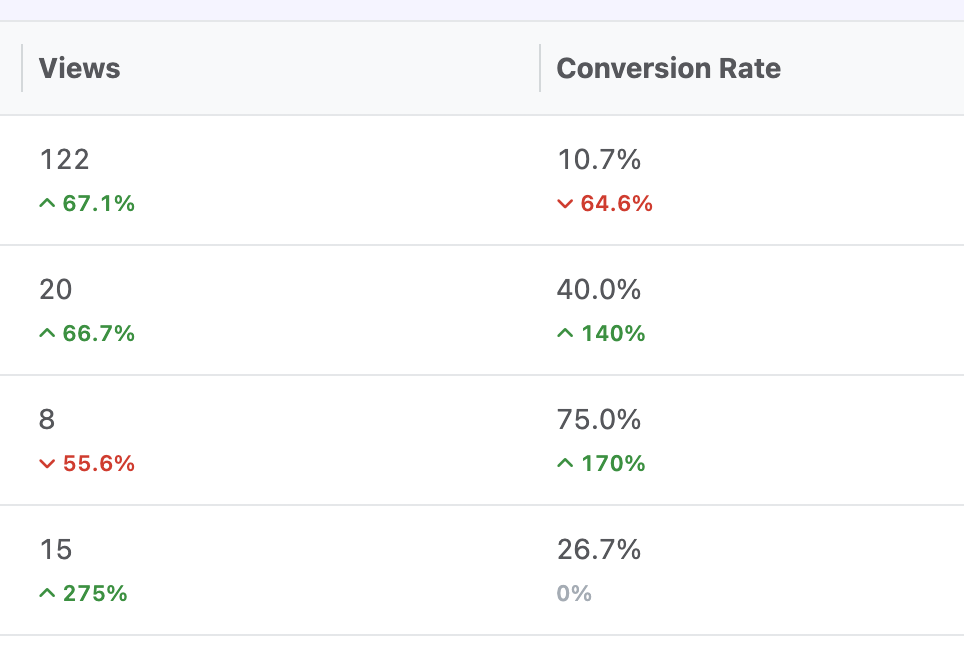
You'll now see two new columns showing the number of views and the conversion rate percentage for each product.
Add views and conversion rate columns manually
If you prefer to add these columns to an existing column set, you can customize the columns directly.
Go to the Products page
Navigate to the Products page in Metorik.
Open the Columns menu and edit column sets
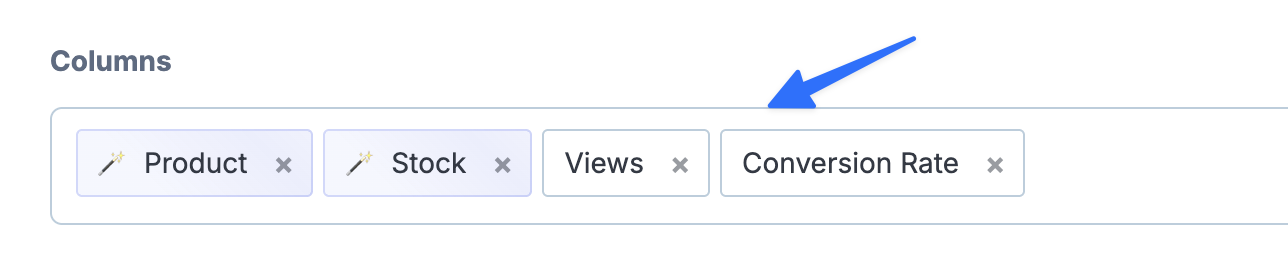
Click the Columns button, then click Edit Column Sets.
Add the Views and Conversion Rate columns
In the column editor, search for or scroll to find Views and Conversion Rate. Add these to your column set, then click Save.
For more details on creating and managing column sets, see How to Customize Columns.
Views on individual product pages
When you open an individual product's page in Metorik, you'll see a Users Viewed card and a Conversion Rate card under the Sales section. These show the same Google Analytics-backed data for that specific product.
Current limitations
Exporting: Views and conversion rate data cannot currently be included in exports. These values are pulled dynamically from Google Analytics when the page loads.
Sorting: You cannot sort the products table by views or conversion rate at this time.
Where else views appear
Beyond the Products page, views and conversion rate data also appears in:
Dashboard: A card showing overall views and conversion rate
Orders Report: Views and conversion rate shown alongside order metrics, with an option to plot on the chart
Devices Report: Breakdown by desktop/mobile, operating systems, and browsers
To understand what "views" means in Metorik and how it differs from sessions or pageviews, see What does "Unique Visitors" mean in Metorik?.