Custom Metrics
While Metorik includes hundreds of built-in metrics and KPIs, there may be times when you need to track something more specific that isn’t available out of the box. This is where Custom Metrics come in.
Custom Metrics let you combine existing metrics, KPIs, and even segment totals to create your own formulas. These can then be used across your dashboards, email digests, and even accessed via the Metorik API.
Creating a Custom Metric
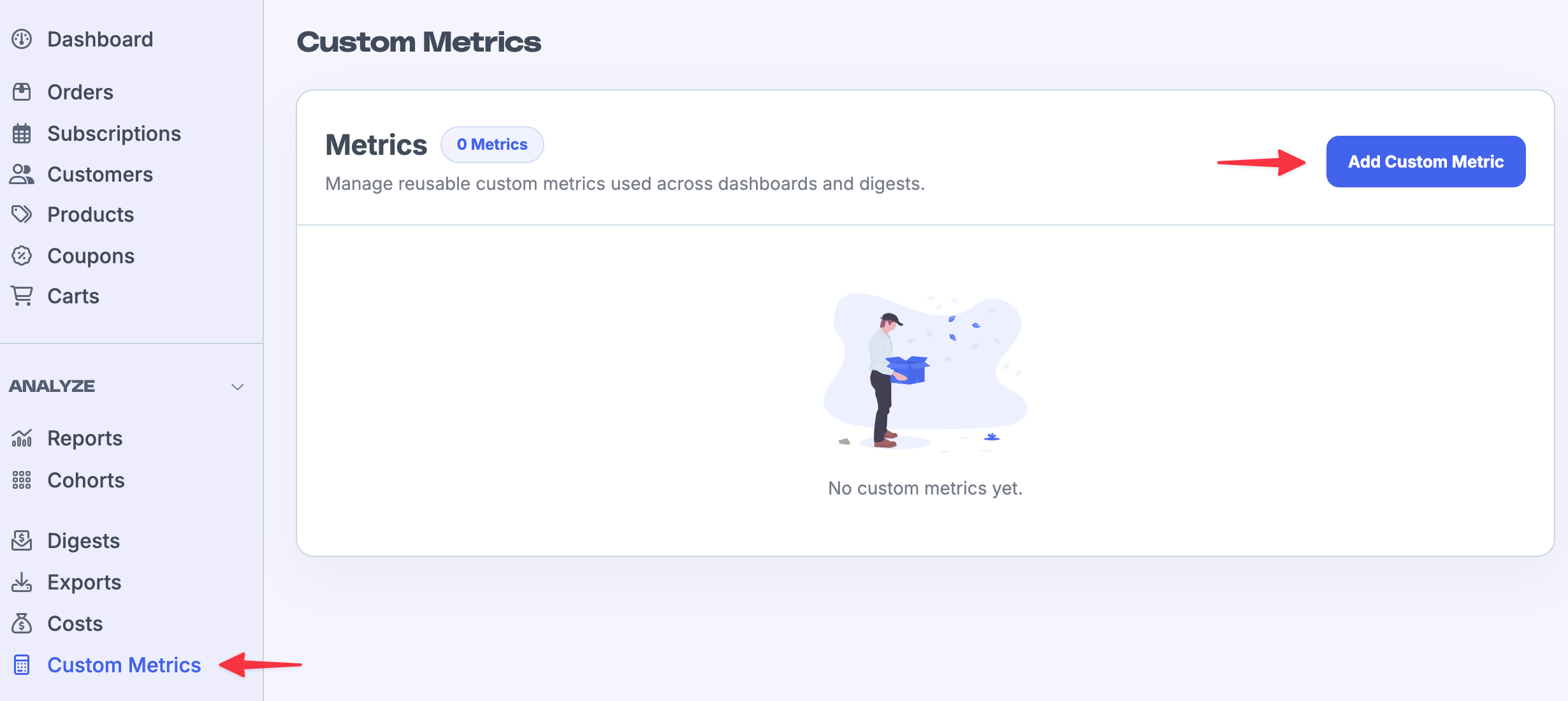
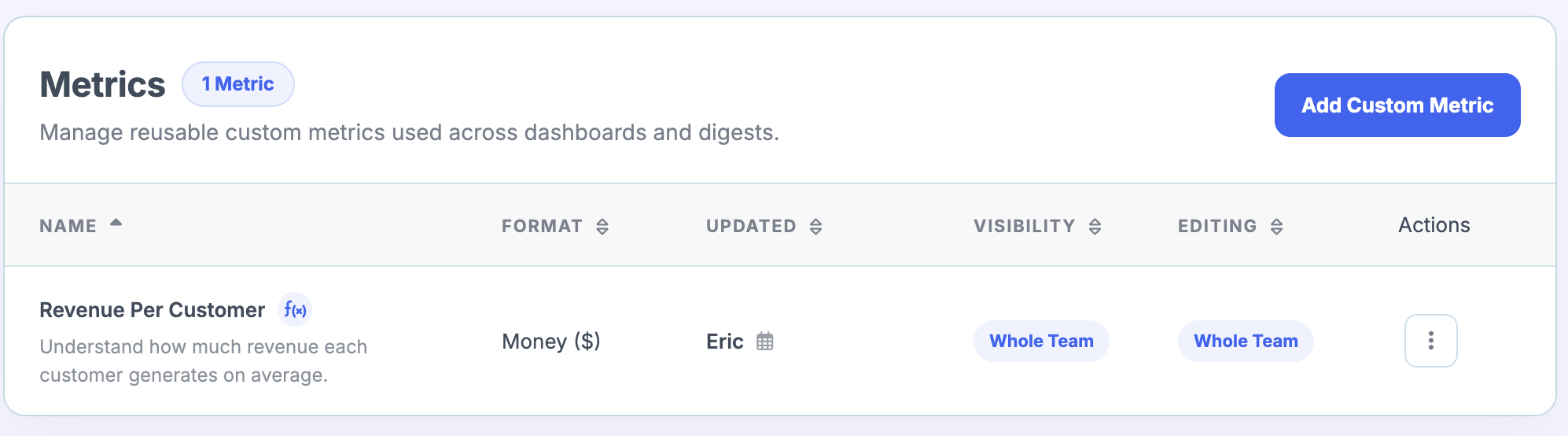
You can create a Custom Metric from the Custom Metrics page:
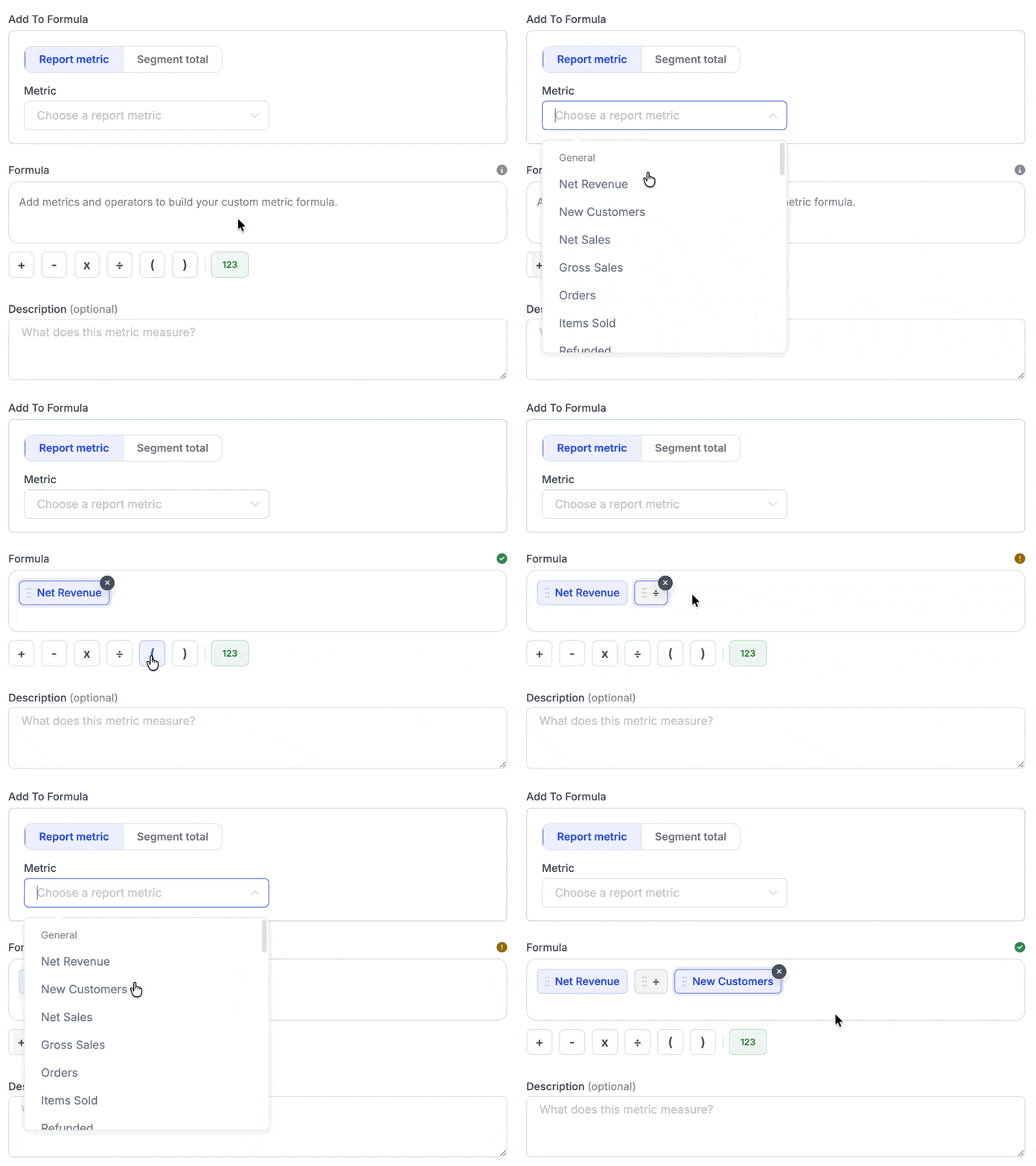
For example, let's say I wanted to create a Custom Metric called total revenue per customer. The formula for this would be Total Revenue / Total Customers.
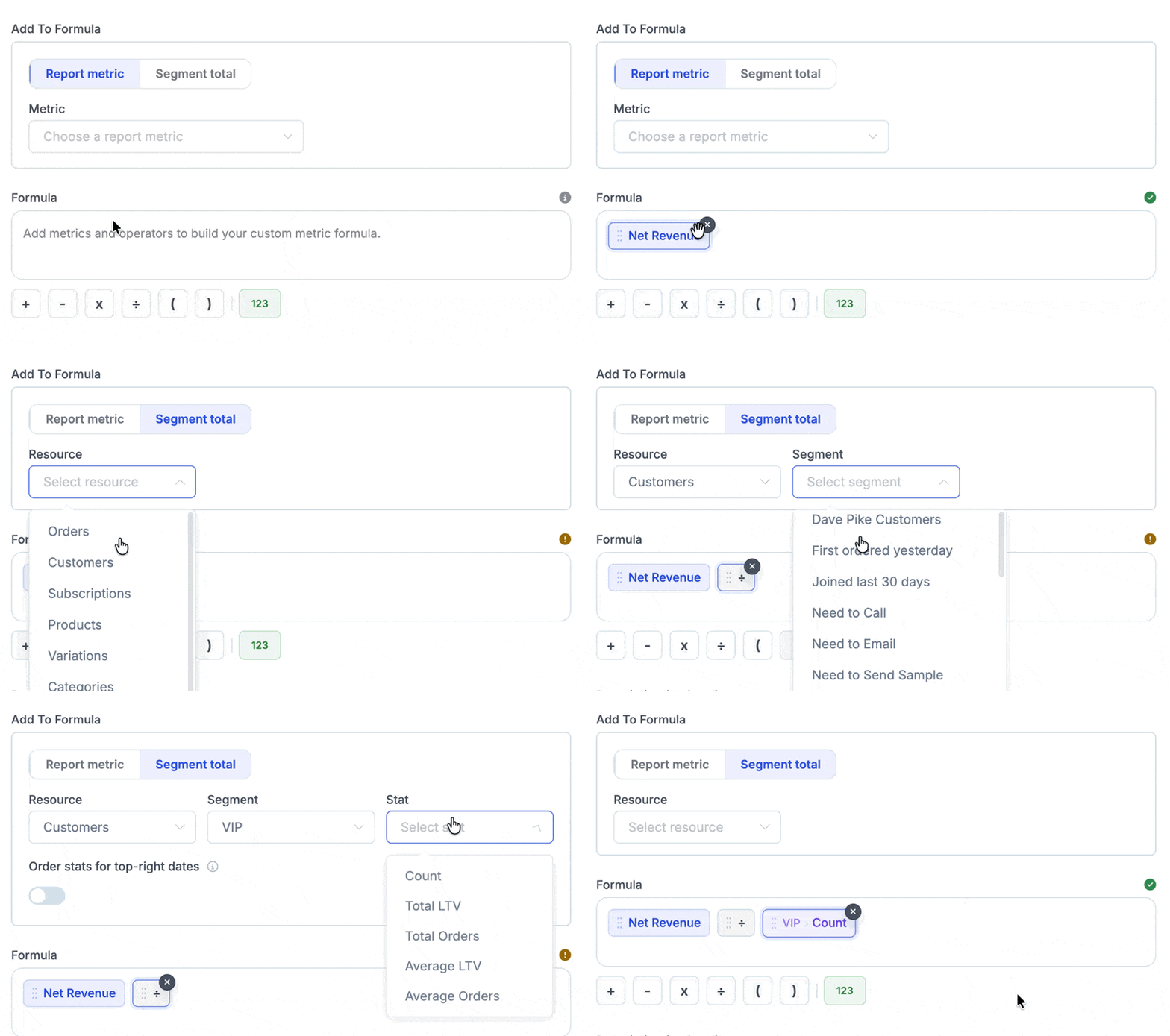
To build this formula all I need to do is select those metrics and the division symbol:
After that:
Give it a name
Choose a format (numeric/percent/money)
Number of decimal places
Description (optional)
Read/editing permissions
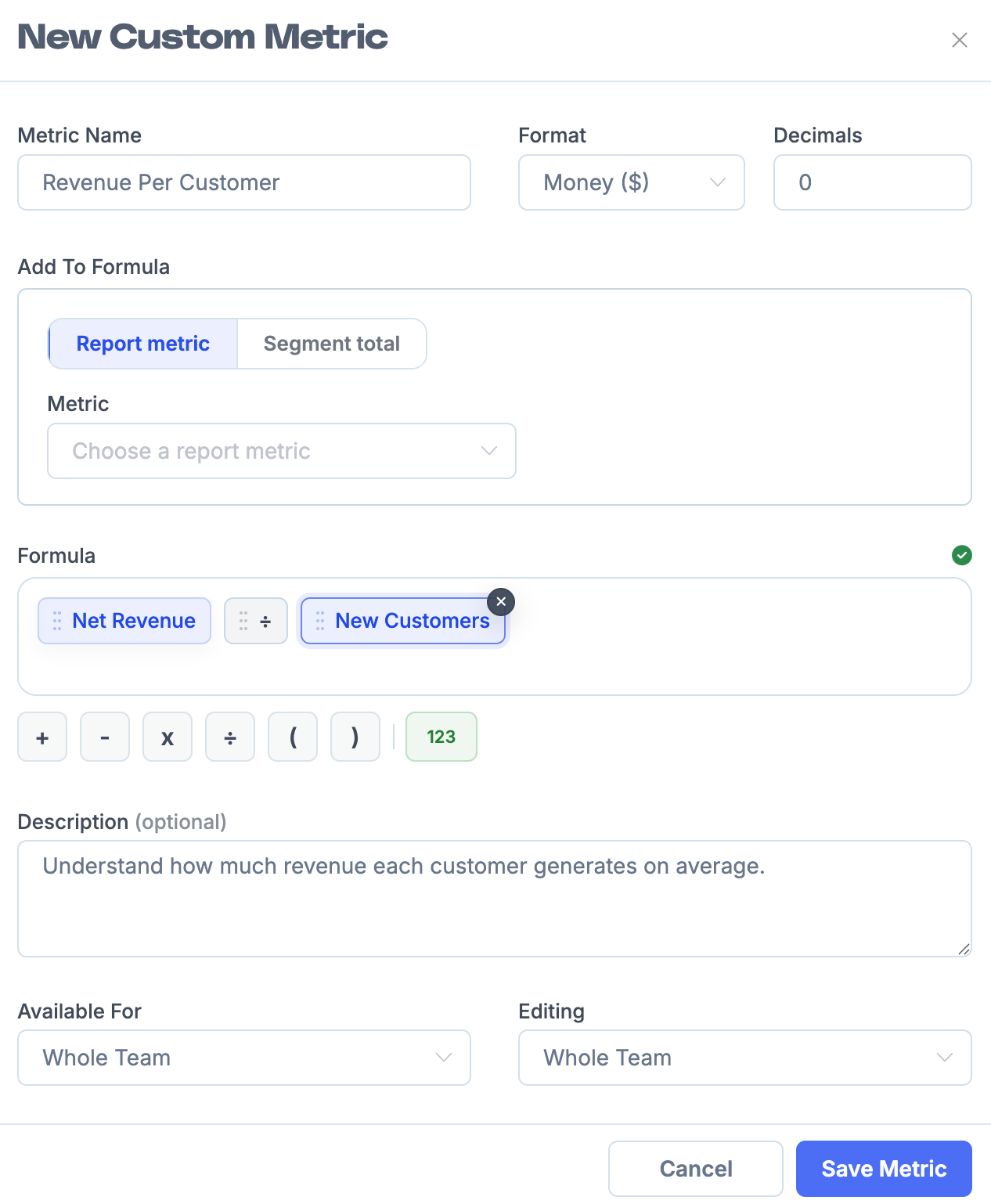
Then click save and it will be available within Metorik:
I could take this one step further and create a similar metric but only based on a certain segment of customers, for example VIP customers. To do this I would instead use the segment total to build the formula:
Using Custom Metrics
Once you have created a Custom Metric, you can add it to your dashboard or digest just like any other metric. Once you add a new card, instead select Custom Metric:
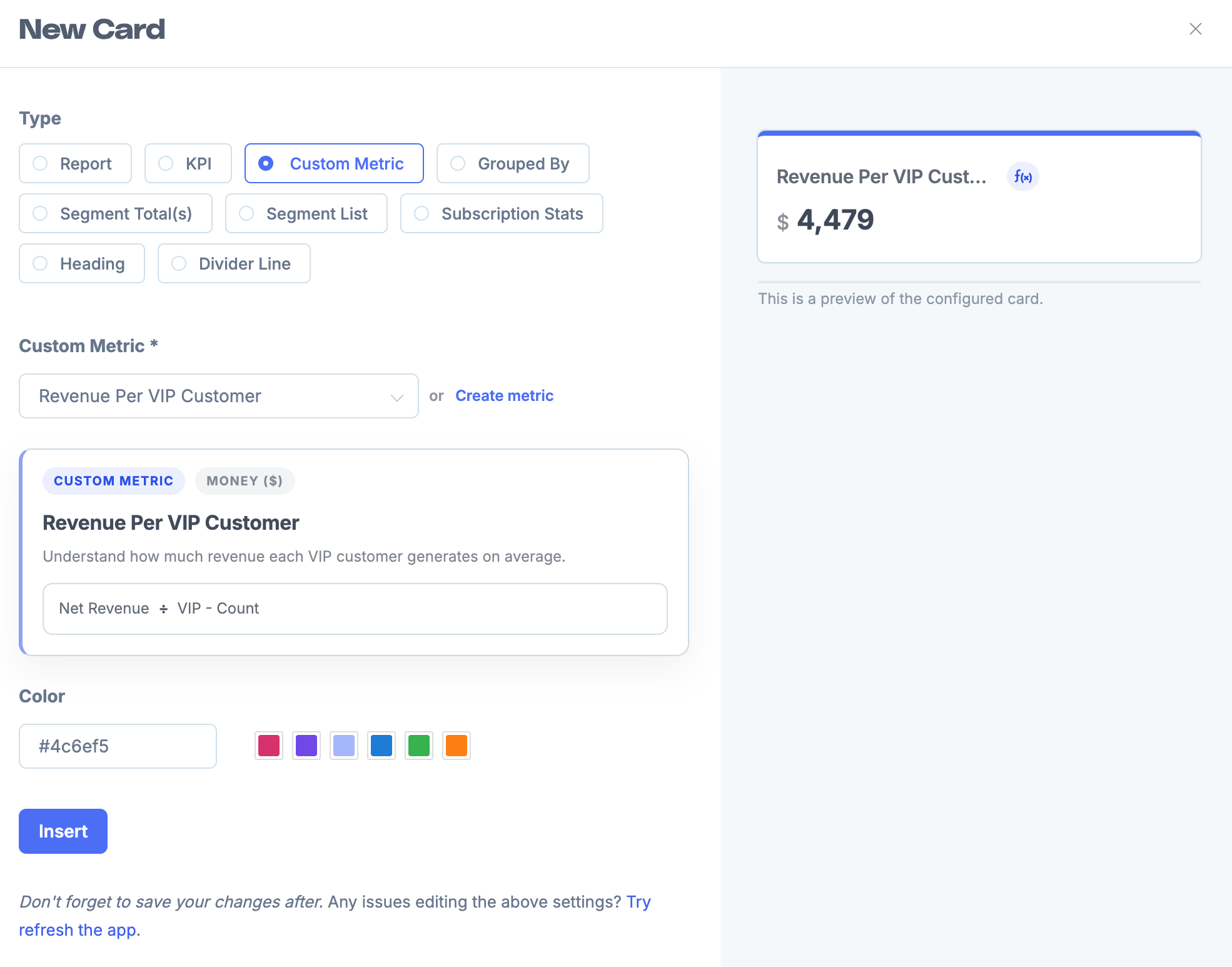
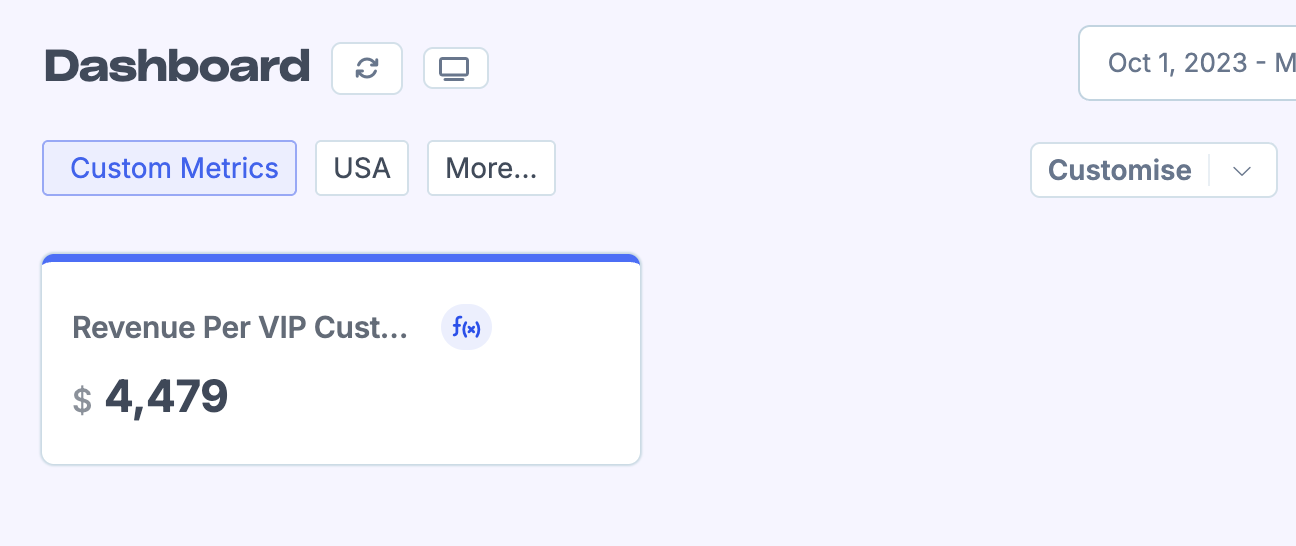
You can also create a Custom Metric directly from the dashboard too by clicking Create metric:
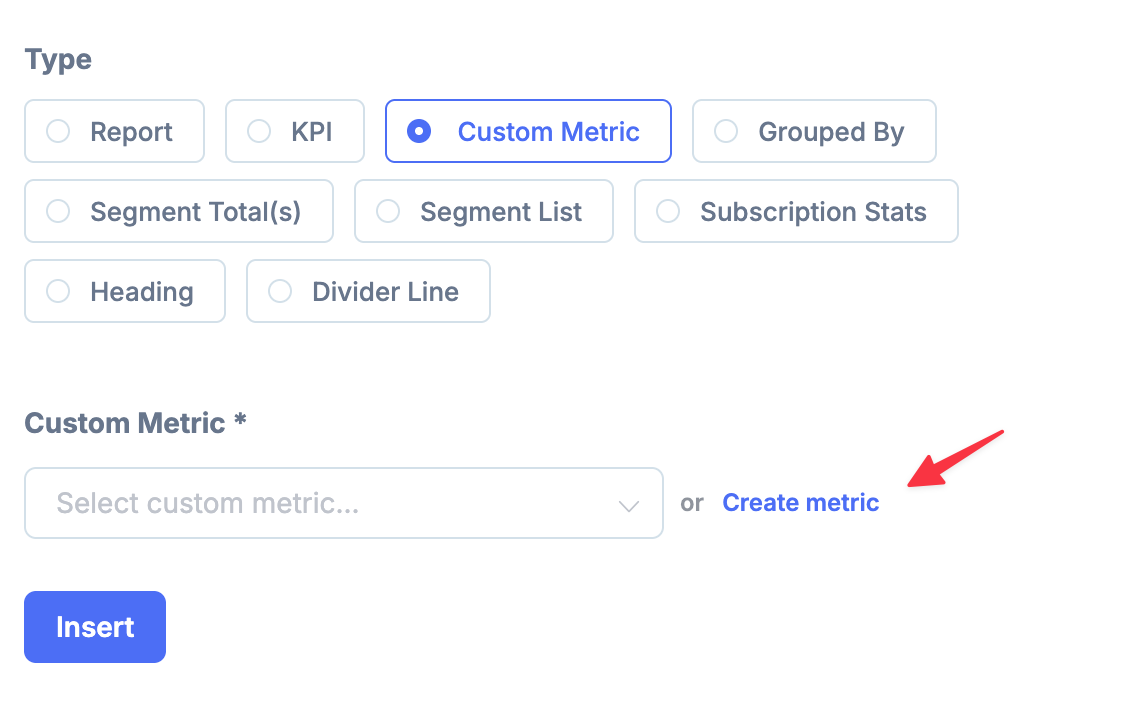
Follow the same process when creating a digest.
Custom Metrics in the Metorik API
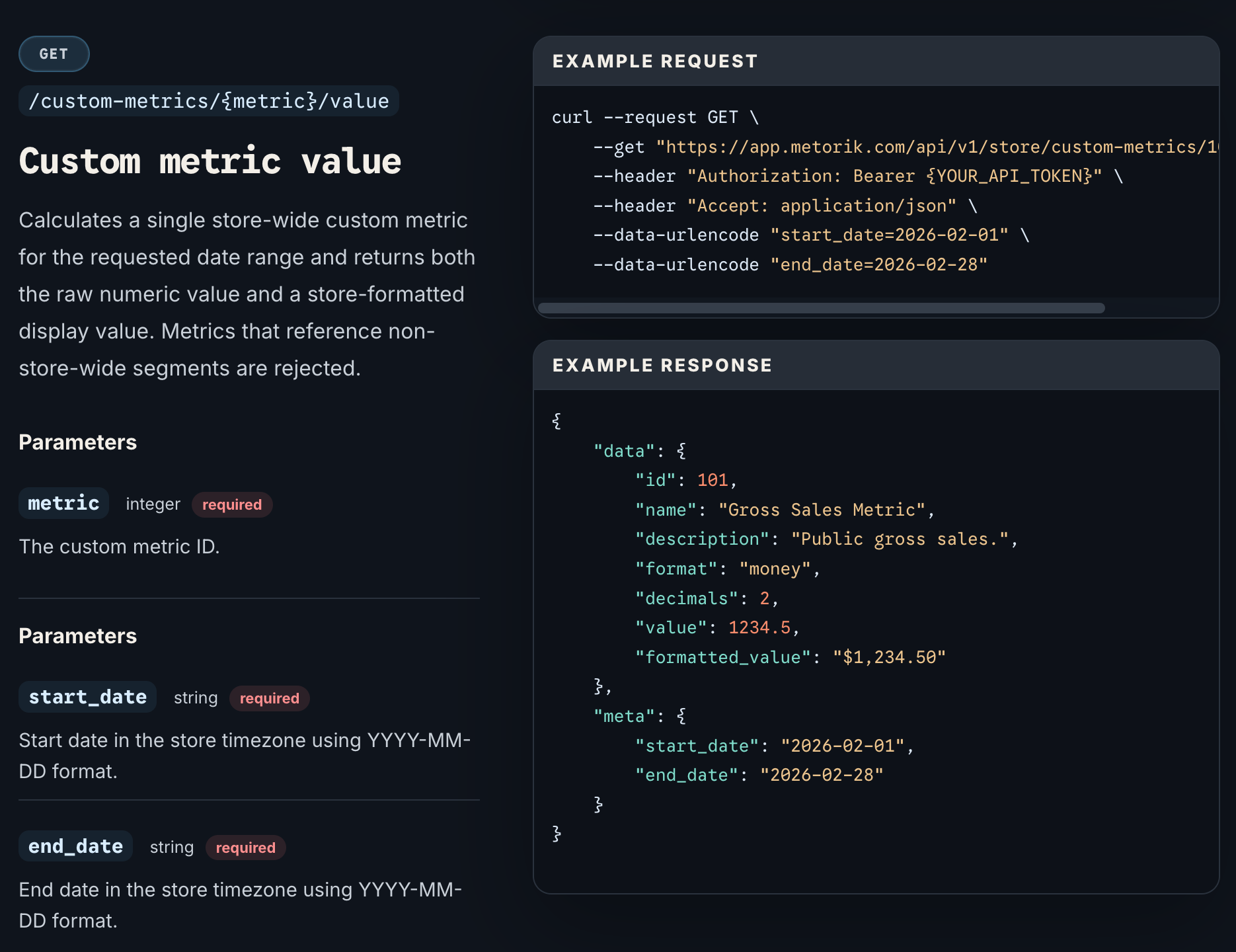
If you need to use your Custom Metrics externally to Metorik, you can query them using the Metorik API.
Have a read of the API docs for more information on the endpoints: