Your Subscribed Digests
Video
Metorik digests have a subscribe/unsubscribe system built-in.
We have made it easy to subscribe people to digests you have created, and similarly, easily unsubscribe from digests you have been added to.
You can be subscribed to a digest if:
You or a team member set up a digest to be emailed to the whole team.
You or a team member set up a digest and add your email address under the custom emails field.
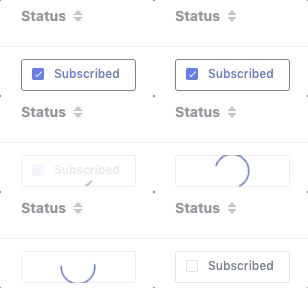
You can see all digests you are subscribed to in My Subscribed Digests:

And you can easily unsubscribe from any digest by unchecking the subscribed box:
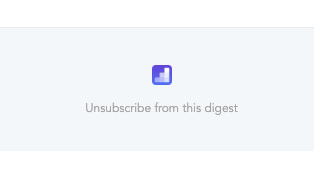
If a team member without a Metorik account has been subscribed to a digest, and they want to unsubscribe — they can do this by clicking the unsubscribe button at the bottom of their digest email:
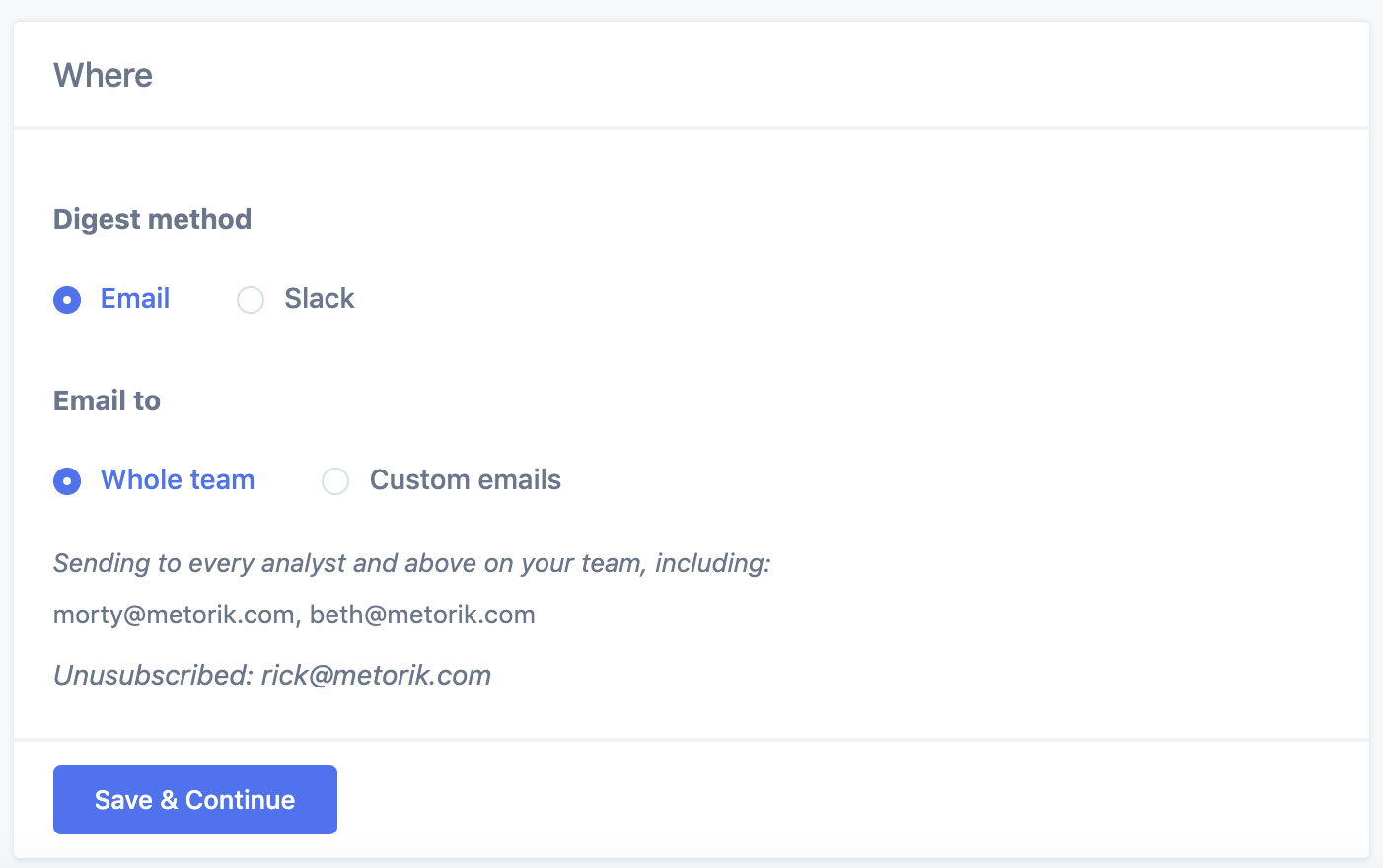
Lastly, you can see anyone that has unsubscribed from your digest in the Where section:
Manage digest notifications in the iPhone app
The iPhone beta app has separate controls for email and push notifications. You must be an admin, editor, or analyst on the store and a recipient of an email digest to receive its push notifications.
Open Digests in the app.
Select Sent to me.
Use Email to change your email subscription.
Use iPhone to change push notifications for that digest.
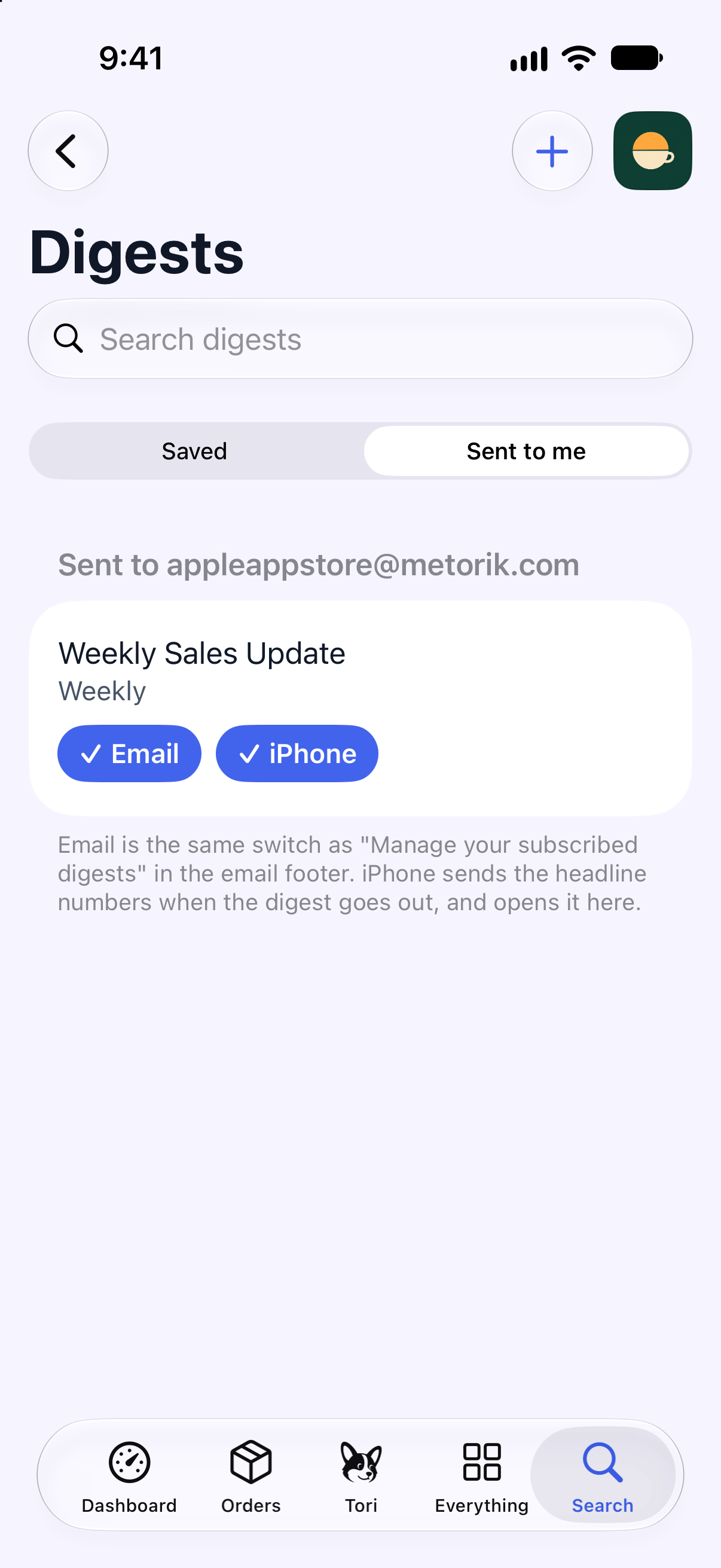
The iPhone preference is on by default for eligible digests and follows your account across your installations. Turning it off doesn't unsubscribe you from email. Turning off Email also stops push notifications, even if the iPhone preference remains on.
Allow notifications on your device
Your account's digest choices and each device's notification permission are separate. Both must allow the notification.
Open Settings → Notifications in Metorik.
Tap Allow notifications if you haven't chosen a permission yet.
If notifications are off in iOS, tap Open Settings to change Metorik's permission.
A digest notification contains headline numbers and opens the digest in the app. Slack digests and recipients without a Metorik account don't receive push notifications. Periods with no orders don't generate digest push notifications, even when the digest is allowed to send a zero-sales email.