
Including Gmail Order Schema in emails
Google makes it possible to show order information at the top of Gmail messages through it's Email markup/schema tool. More about this here.
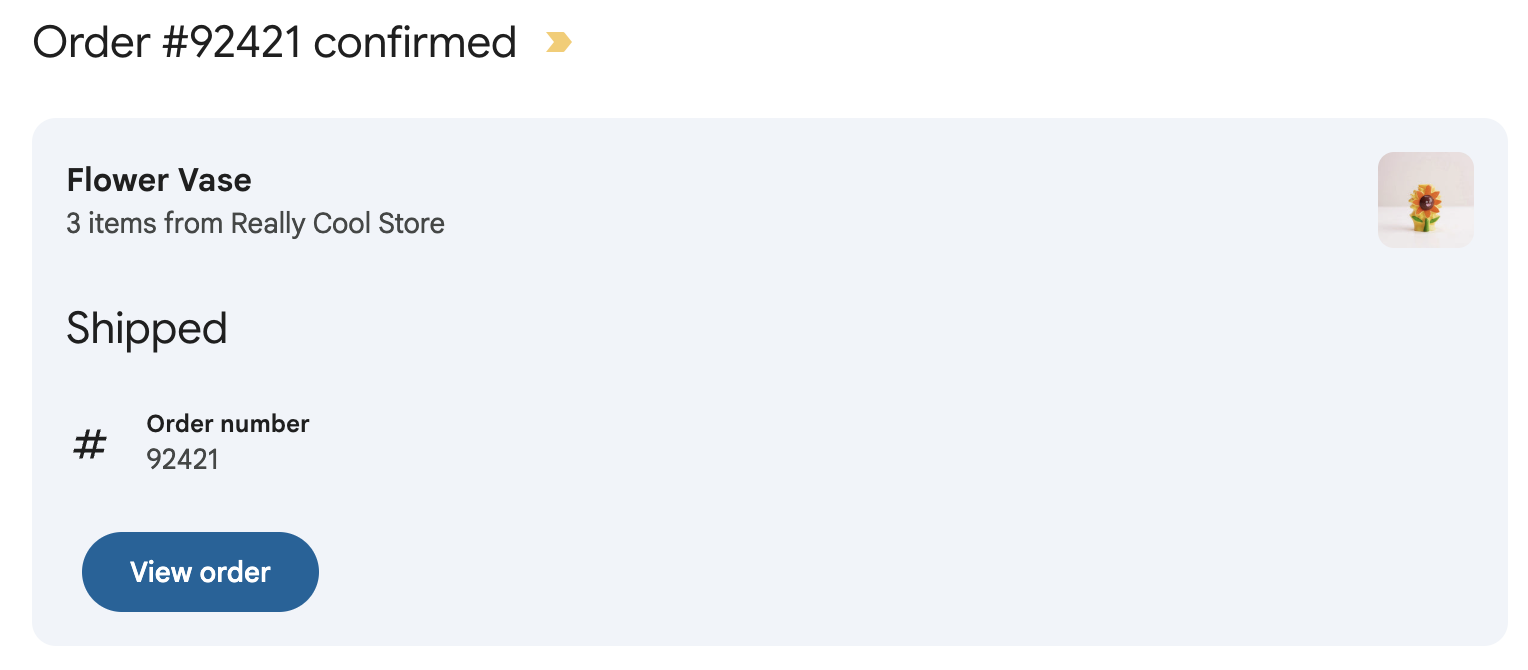
Metorik integrates with this automatically, so you can optionally enable the order schema on order automations you create through Engage.
To enable it, go to the Message page and under Additional, click the Gmail Schema tab:
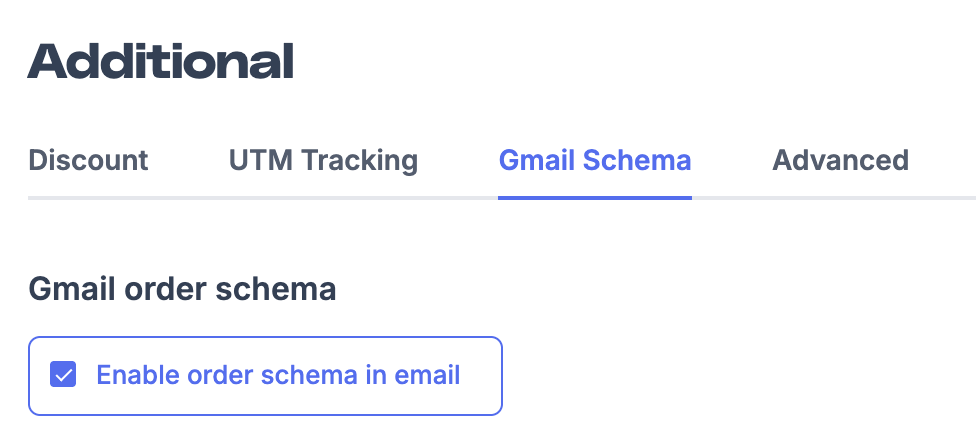
After enabling it, you will need to ensure you are following Google's guidelines and register with them. You can find the guidelines here.
Make sure that you:
Have connected your email sending domain to Metorik and verified it correctly.
Enable the setting on the order automation in Metorik.
Send a preview of the email to [email protected].
Complete registration with Google here.
Gmail has very strict guidelines and requirements, including a very low spam rate and a history of sending 1000s of emails a month to Gmail successfully, so we cannot guarantee this will show on orders in Gmail or that you'll be approved by Google.