
Change how customer roles are displayed
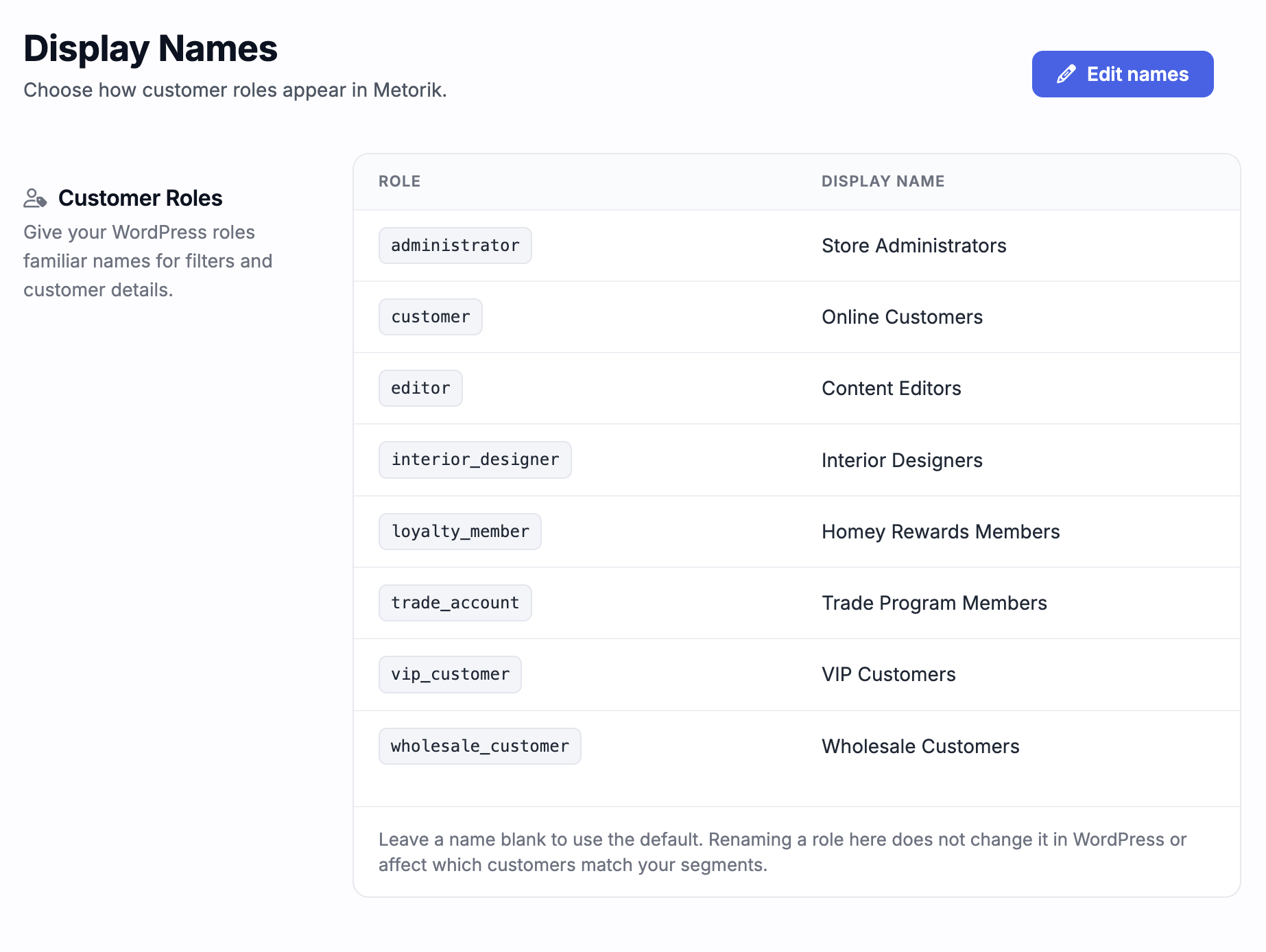
You can give your WooCommerce customer roles friendlier names so they read naturally in Metorik filters and customer details.
Rename a customer role
Only store admins can edit store settings. You can set a display name for each role, or leave it blank to use the default.
Open your Store Settings.
Click Edit names.
In the Customer Roles table, enter a display name next to each role.
Leave a name blank to use the default.
What renaming does and doesn't change
Renaming a role here does not change it in WordPress, and it does not affect which customers match your segments. The names you set are used wherever the role appears in Metorik, such as when segmenting or viewing a customer profile.
Was this helpful?
Was this helpful?