
Change your credit card or payment method
Only the account owner can update the payment method for a Metorik subscription. If you're not the owner, you'll need to ask them to make the change.
1
Go to your billing settings
Navigate to Settings → Companies → Billing, or go directly to your billing settings.
2
Add a new payment method
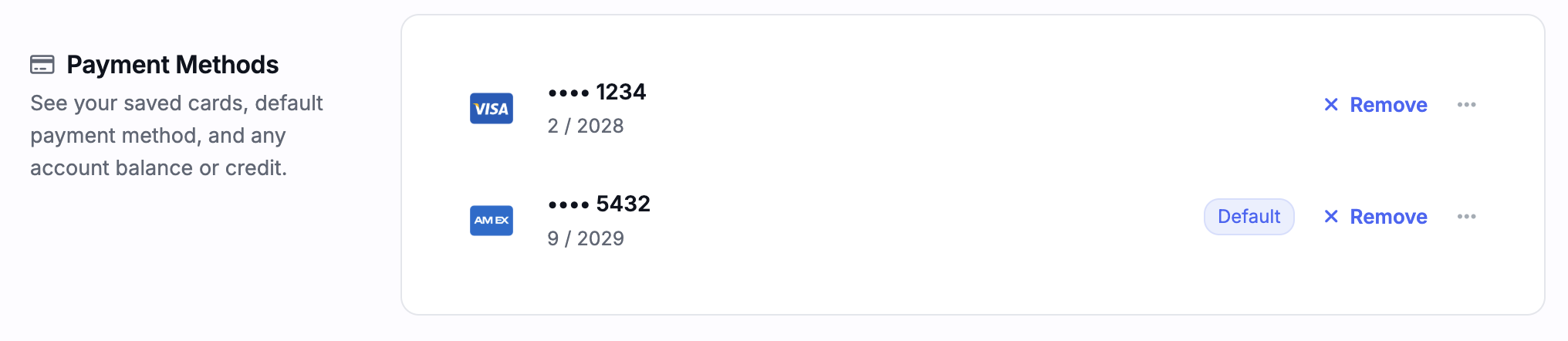
Click Add payment method to add your new credit card.
3
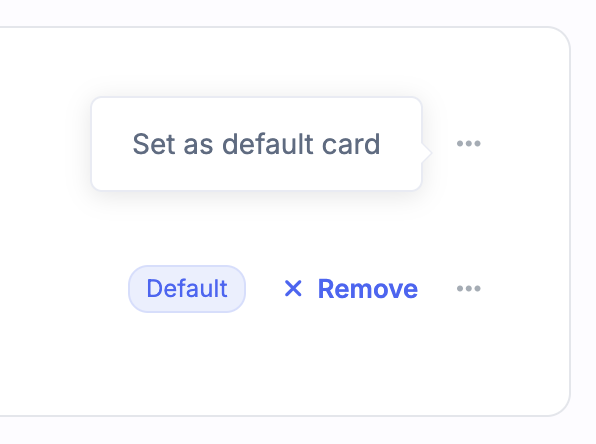
Set the new card as default
After adding the card, click the menu next to it and select Set as default card. This ensures the new card will be used for all future payments.
You can also remove old cards from the same billing settings page. If a payment has recently failed, see Failed Metorik Payments for how to retry it.
Was this helpful?
Was this helpful?