Metorik Tax Invoices & Receipts
Only users with role "Admin/Owner" can see billing and invoice information. If this is not you, please contact your store Admin to update your details or download invoices or receipts.
Metorik provides tax invoices for all of your payments in addition to the automated receipts emailed to you whenever you make a payment.
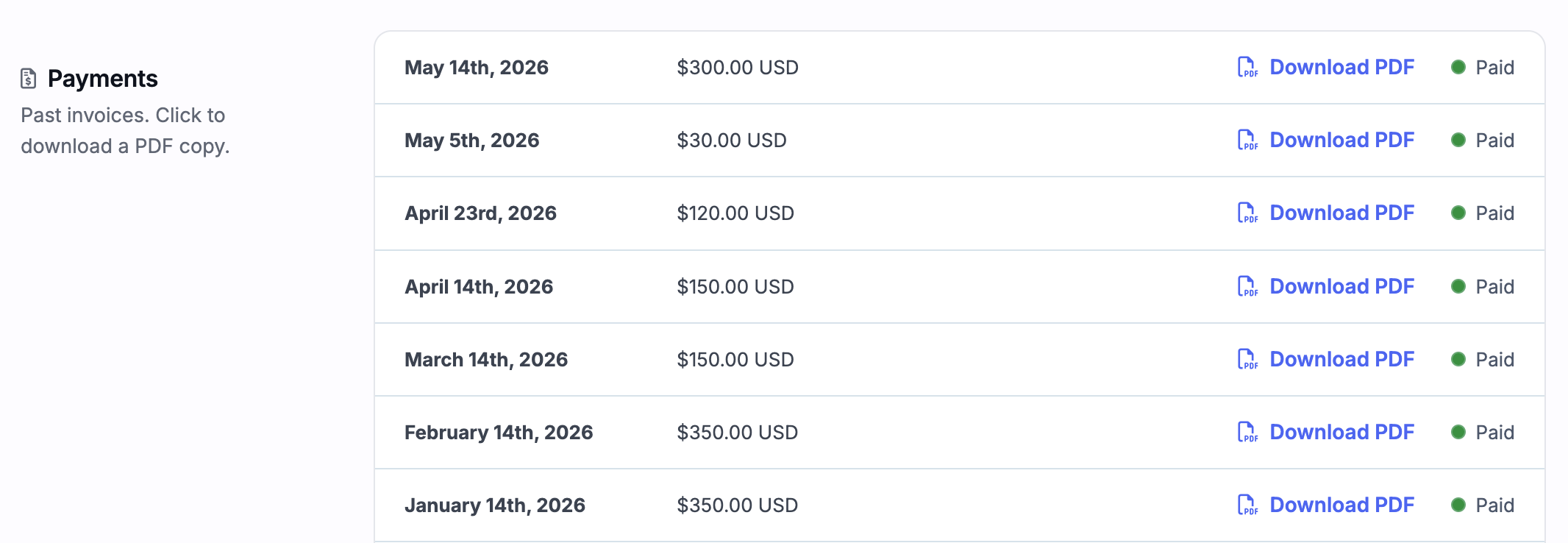
You can find all your company invoices in the invoices tab of your company settings (only the owner of the company will have access to these settings).
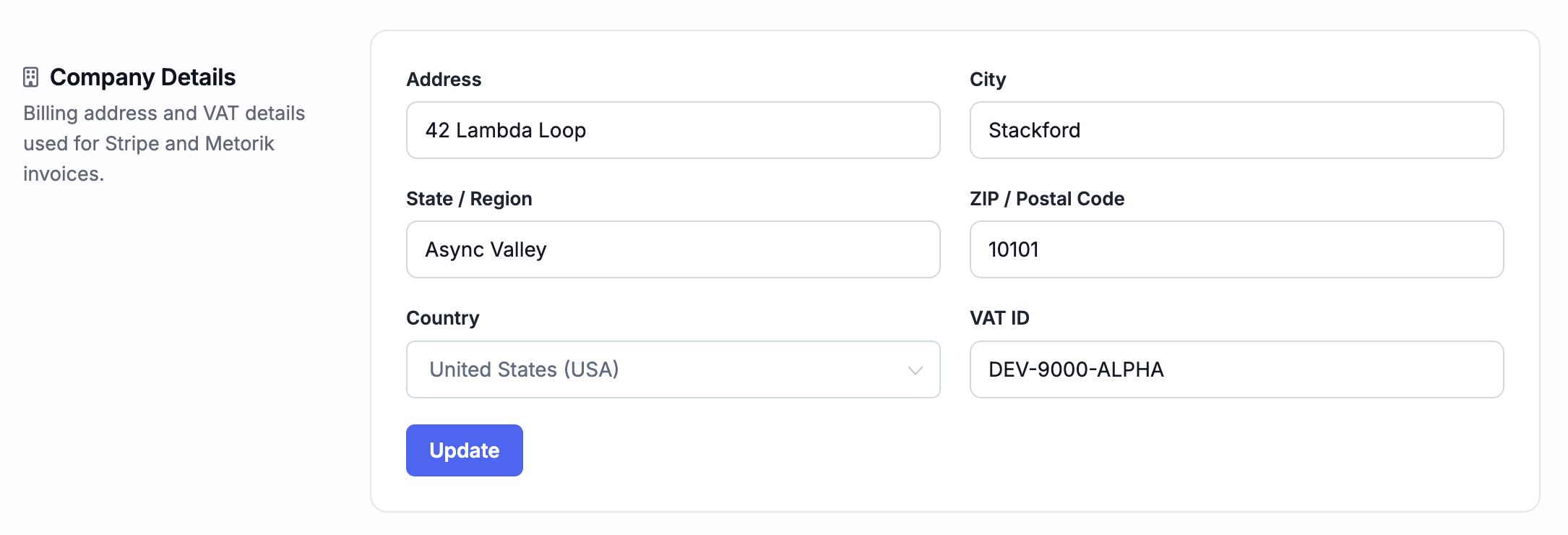
Updating your company details
Your billing address and VAT details are used for Stripe and Metorik invoices. You can update these fields in the Company Details section of your company settings.
Adding extra information to invoices and receipts
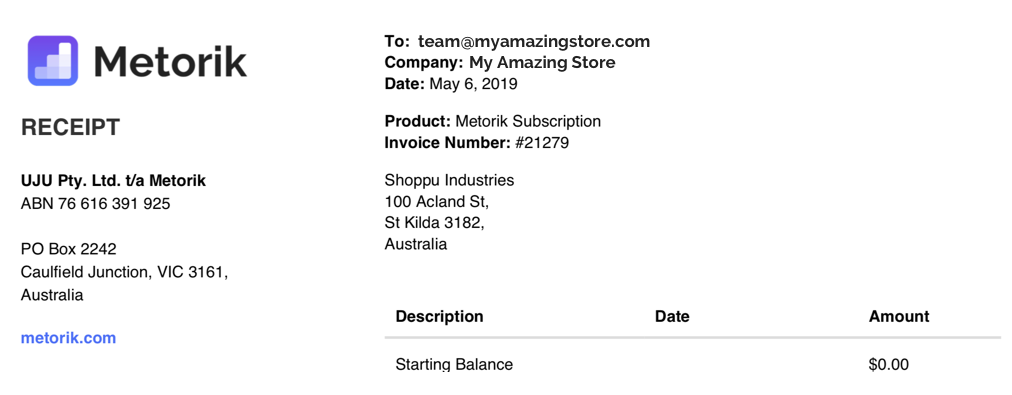
If you need to add any extra information to your tax invoices or receipts (for example, your full business name, VAT number, or address of record), enter it in the Extra Billing Information section. This text appears on every receipt.
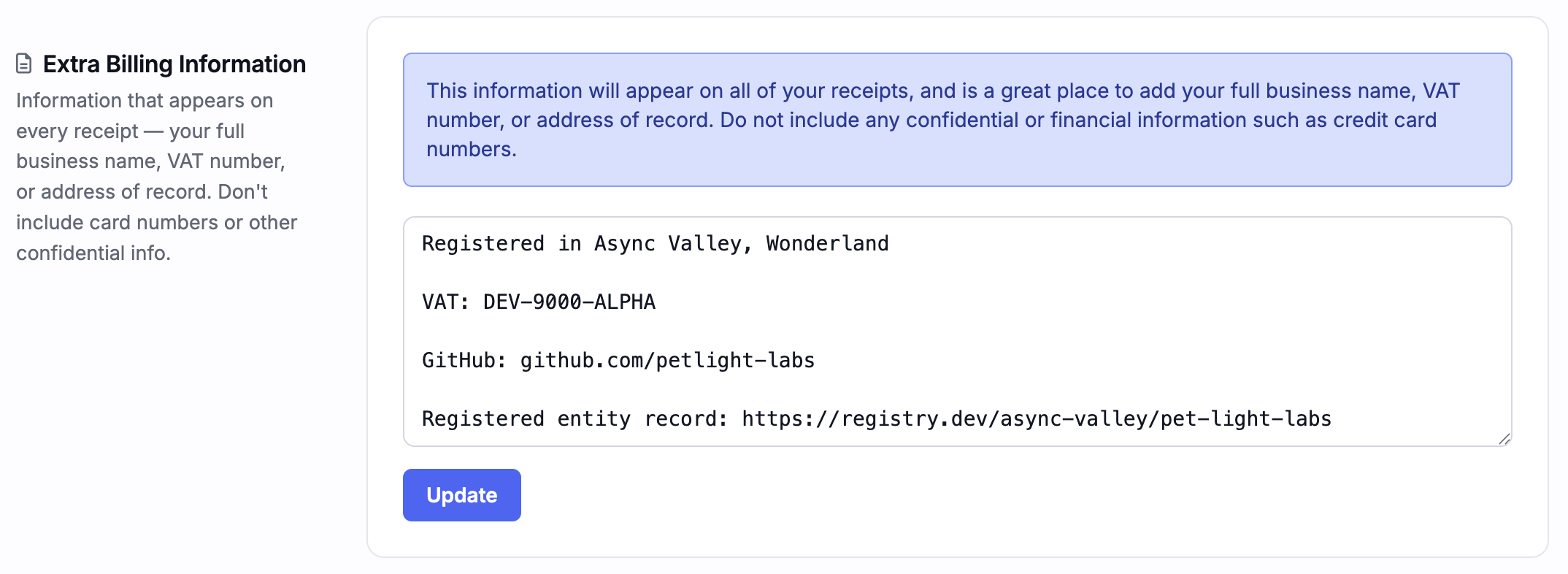
This information will then automatically be included at the top of all your invoices:
Changing where receipts are emailed to
Whenever you are billed each month or year, we'll email you a receipt automatically. By default this email is sent to the company owner's email, but you can set it to send to a custom email address in the invoice settings here.

GST for Australians
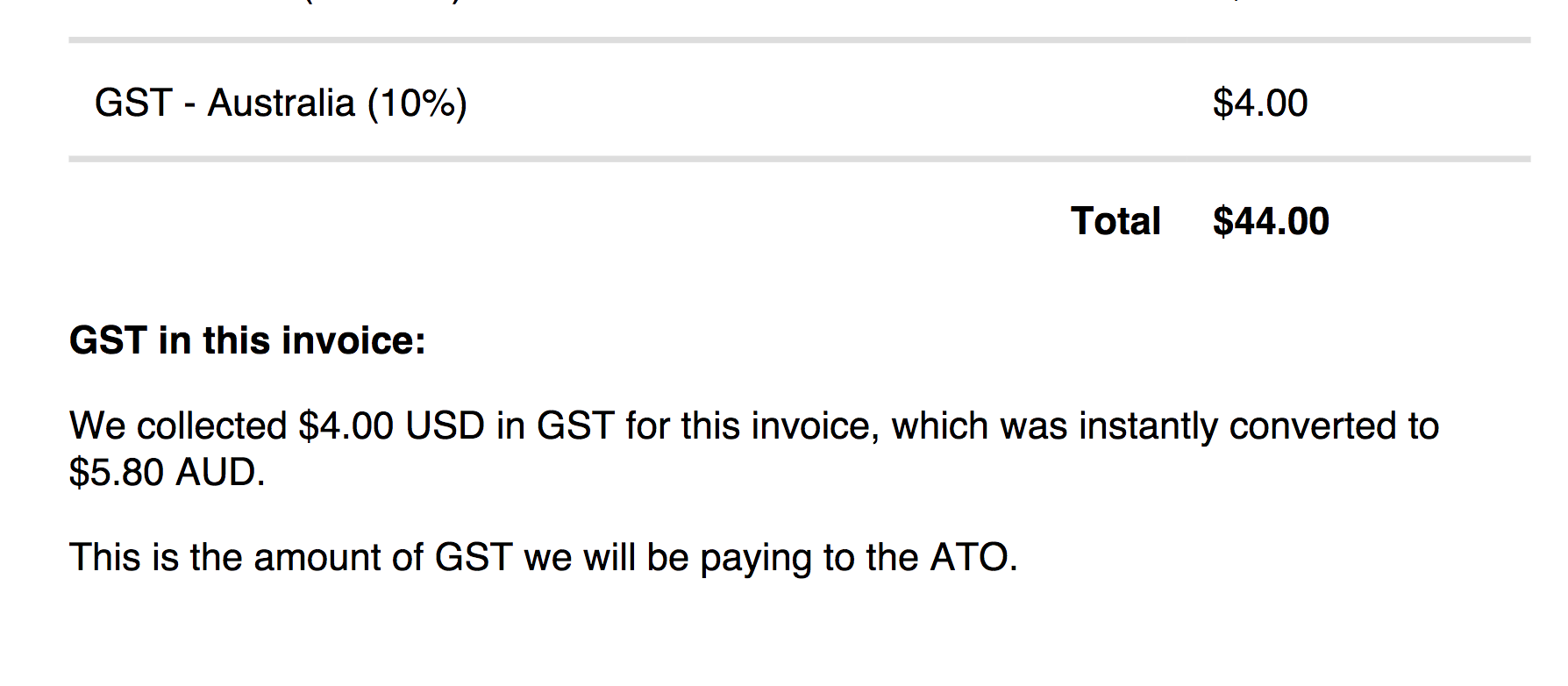
As Metorik is an Australian company, we are required to collect GST from Australian customers. This went into effect on October 1, 2019. While we currently charge in USD, we will show the GST portion on your invoice in AUD, like so: