
No. Dashboard viewers have read-only access.
Sharing dashboards with dashboard viewers
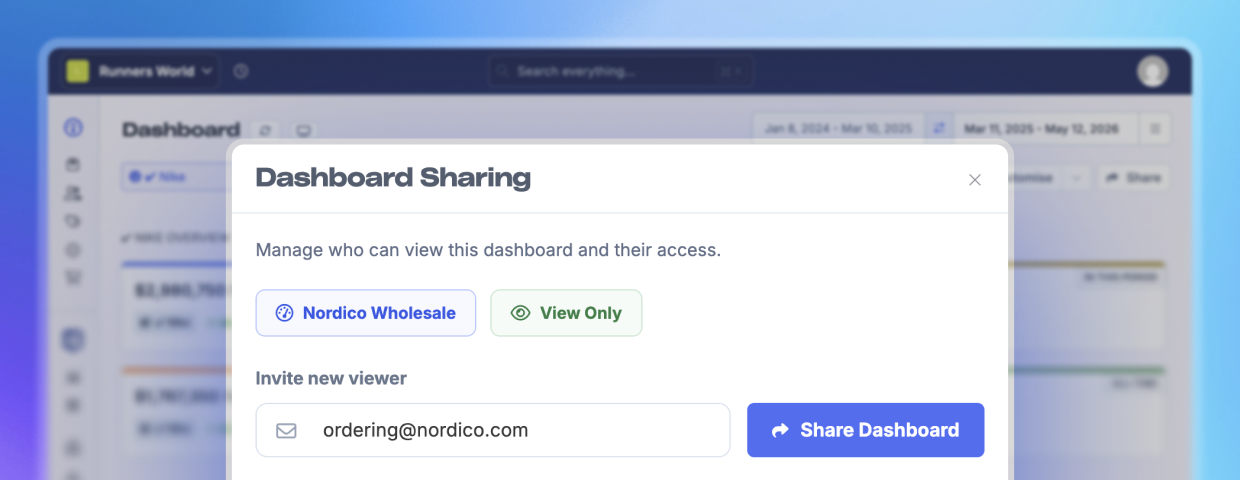
Dashboard viewers let you share a specific dashboard with someone without giving them full store access in Metorik.
They can open and use the dashboards you share with them, including changing the date range, but they cannot browse the rest of your store, edit dashboards, export data, or access other reports and resources.
When to use dashboard viewers
Dashboard viewers are useful when you want to share a focused view of store performance with someone outside your day-to-day Metorik team.
Common examples:
Suppliers who need to monitor product, inventory, or sales performance.
Clients who should see a reporting dashboard but not manage the store.
Finance or operations partners who only need a specific set of metrics.
Team members who need read-only access to one dashboard, not the full store.
What dashboard viewers can and cannot do
Dashboard viewer access is tied to individual dashboards. When you invite someone as a dashboard viewer, you choose which dashboard they can access. They will only see dashboards that have been shared with them.
Dashboard viewers are a separate access level from team member roles like Admin, Editor, or Analyst. For full store access, see Inviting your team to Metorik.
Dashboard viewers can:
View assigned dashboards.
Change the dashboard date range.
See cards and metrics included on that dashboard.
Dashboard viewers cannot:
Edit or create dashboards.
Access unassigned dashboards.
Browse reports, orders, customers, products, or other store resources directly.
Export data.
Access store settings.
Sharing a dashboard
Only admins can invite dashboard viewers. Editors and Analysts cannot send dashboard viewer invitations.
1
Open the dashboard you want to share
Navigate to the dashboard you want to share with a viewer.
2
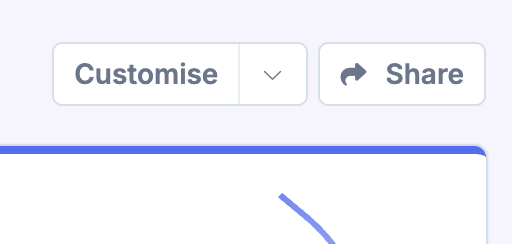
Click Share in the dashboard toolbar
Click the Share button in the top right of the dashboard.
3
Enter the viewer's email address
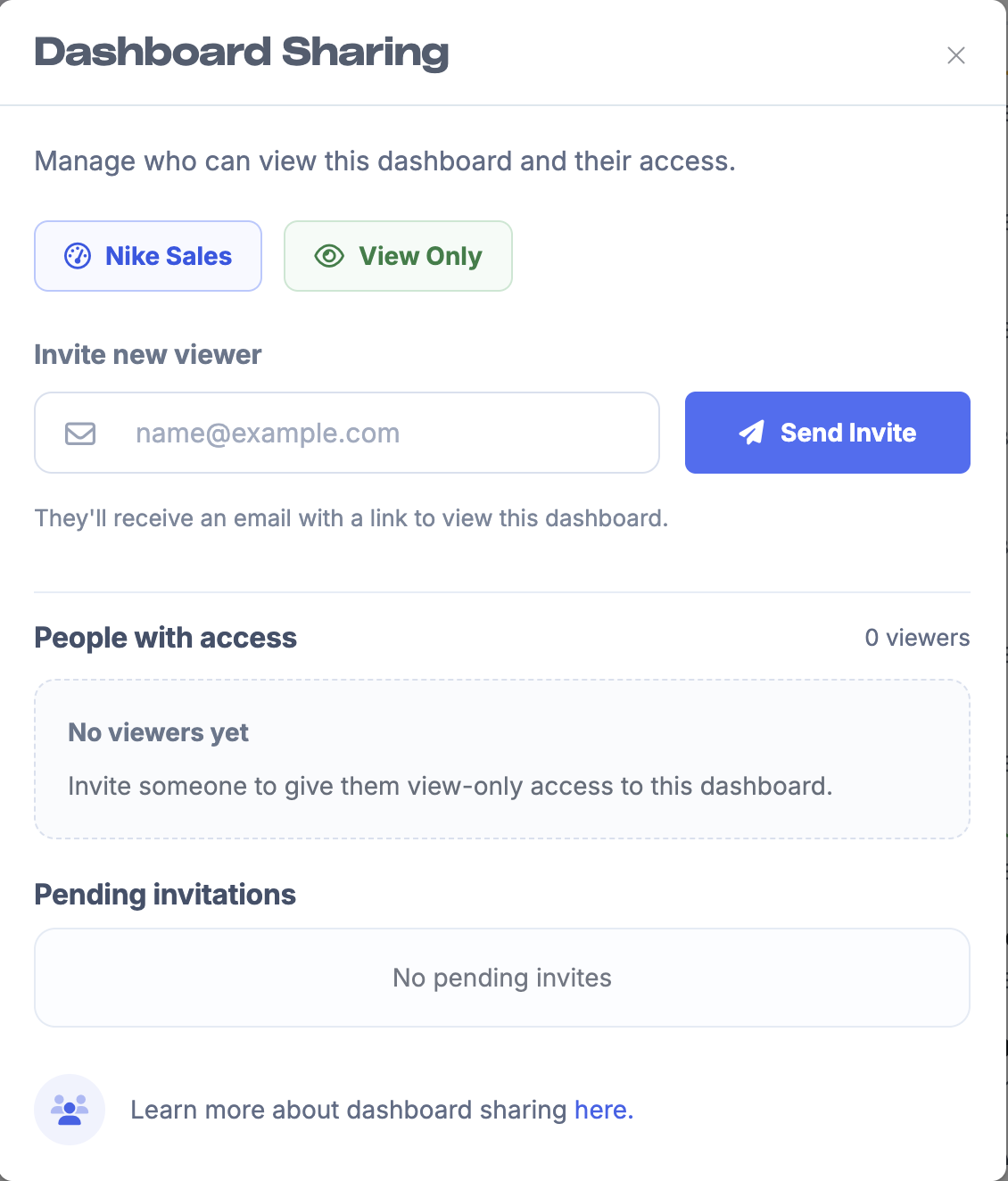
In the share dialog, enter the email address of the person you want to invite.
4
Send the invite
Click Send Invite. The invitee will receive an email with access to view that dashboard.
If the person is already a dashboard viewer for the store, adding them to another dashboard gives them access immediately instead of sending a new invite.
Managing dashboard viewers
You can manage dashboard viewers from the same Share dialog. Click the Share button on any dashboard to see:
People who currently have access.
Pending dashboard viewer invitations.
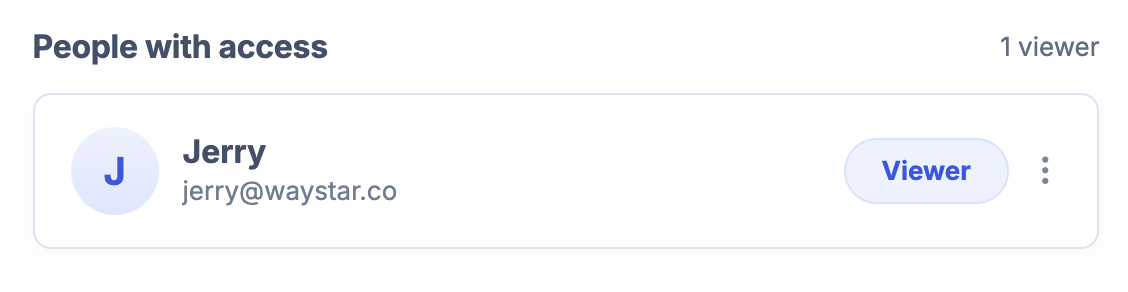
From this dialog, you can:
Resend a pending invitation.
Cancel a pending invitation.
Remove an existing viewer from the dashboard.
If a dashboard viewer is removed from their last shared dashboard, they are removed from the store's team entirely.
Pending invitations
Pending invitations appear in the dashboard sharing dialog until they are accepted or cancelled.
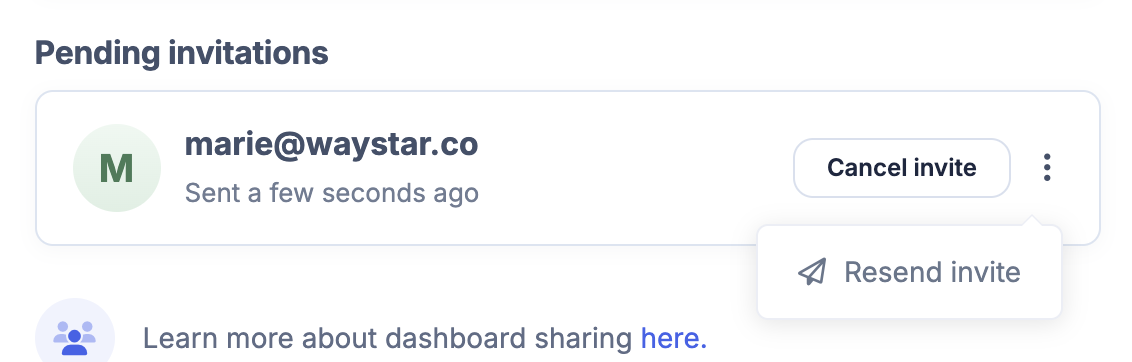
You can resend a pending invitation if needed.
What dashboard viewers see
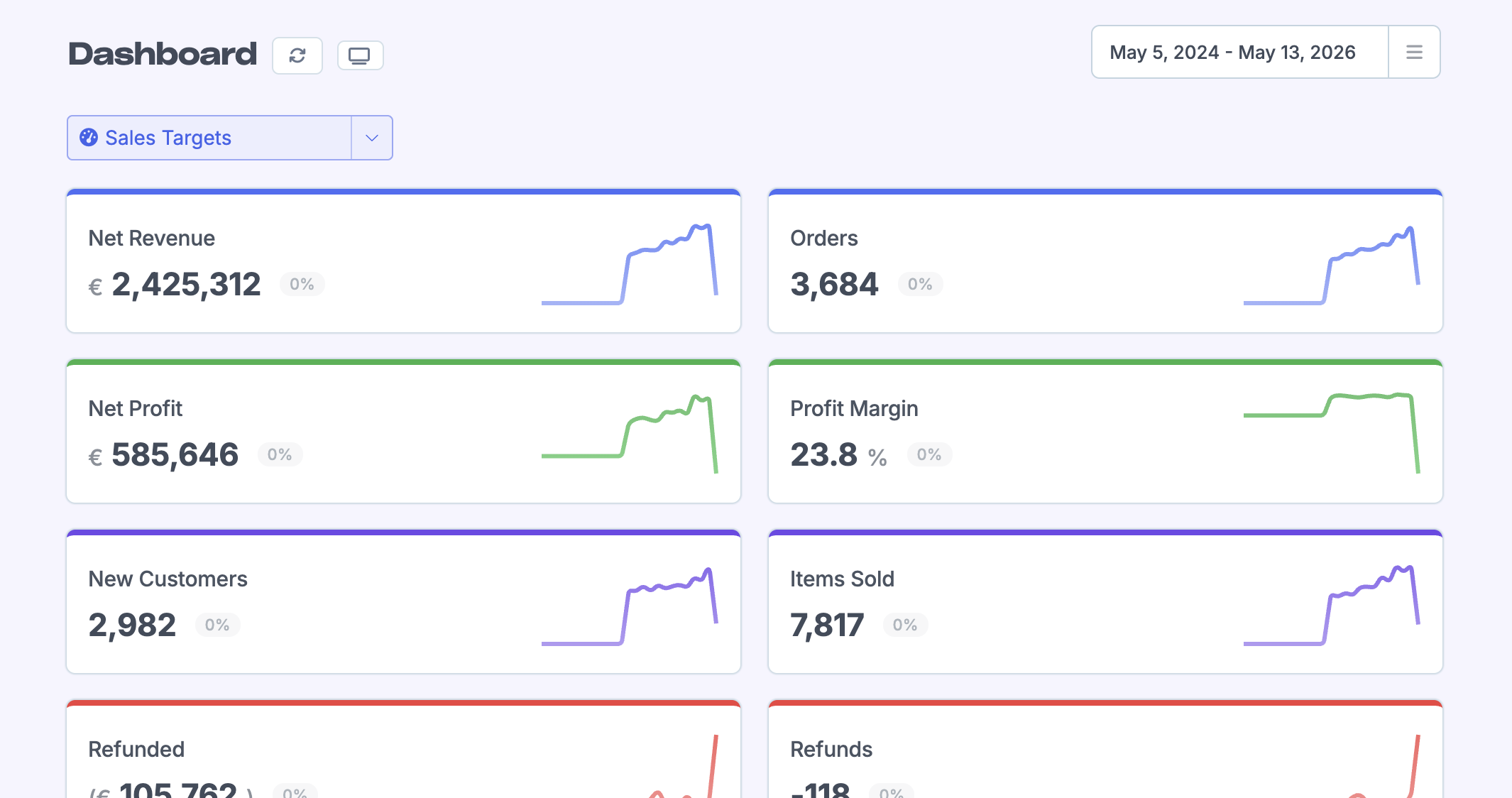
Dashboard viewers get a simplified dashboard-only experience. They can switch between dashboards that have been shared with them and change the date range, but they will not see the normal Metorik navigation or dashboard customisation controls.
Updating shared dashboards
Dashboard viewers always see the latest version of a dashboard they have access to. If you edit a shared dashboard, the changes apply to viewers automatically. You do not need to resend the invite.
Removing access
1
Open the dashboard
Navigate to the dashboard you want to remove access from.
2
Open the Share dialog
Click Share in the dashboard toolbar.
3
Find and remove the viewer
Find the viewer in People with access, open the action menu, and click Remove. They will immediately lose access to that dashboard.
If they still have access to other dashboards, they will remain a dashboard viewer for the store.
Frequently asked questions
Can a dashboard viewer edit a dashboard?
Can a dashboard viewer see reports or orders behind a dashboard card?
No. Dashboard viewers only see the output displayed on their assigned dashboards. They cannot open full reports or browse store resources directly.
Can a dashboard viewer see multiple dashboards?
Yes, but only dashboards that have been explicitly shared with them.
Can dashboard viewers export data?
No. Dashboard viewers cannot export data.
Was this helpful?
Was this helpful?