
Agency billing for Shopify clients using the Shopify Starter plan
Agency partners who manage Shopify clients but do not have their own Shopify store can use a Shopify Starter plan store as the billing partner for Metorik subscriptions. This lets you pay for Metorik on behalf of your clients, through Shopify. Due to Shopify's billing policies, we cannot charge agencies managing Shopify stores, outside of Shopify.
Before you start
You'll need a Shopify account and an active store (skip to Step 3)
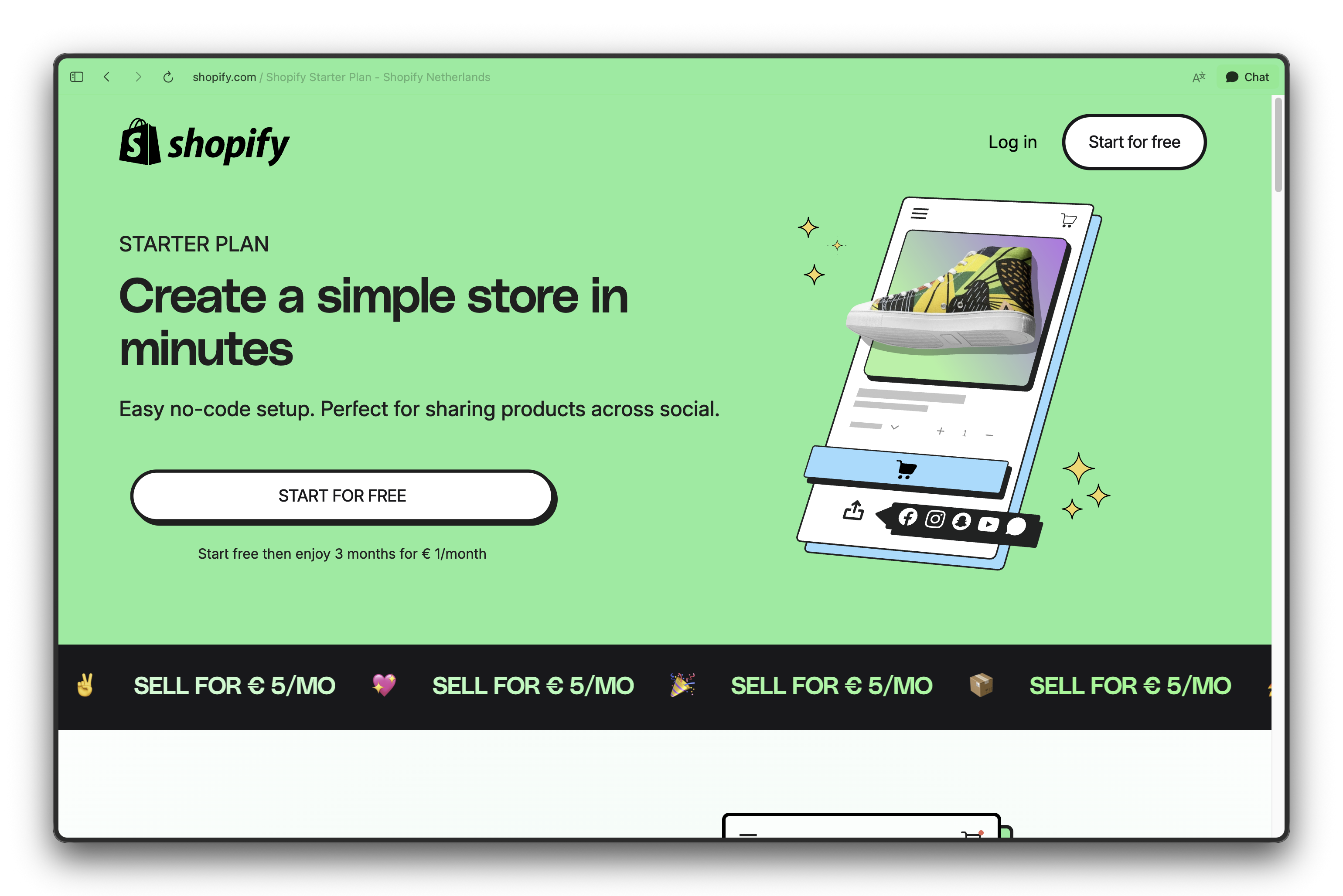
If you don't have a Shopify store, you can sign up for Shopify's Starter plan ($5 USD per month) using the link here: https://www.shopify.com/starter
This store will act as the primary billing store for your agency's Metorik subscription.
Step 1: Create a Shopify Starter plan store
Sign up for the Shopify Starter plan at https://www.shopify.com/starter
Complete the store setup and choose a store name.
Step 2: Create a paid draft order
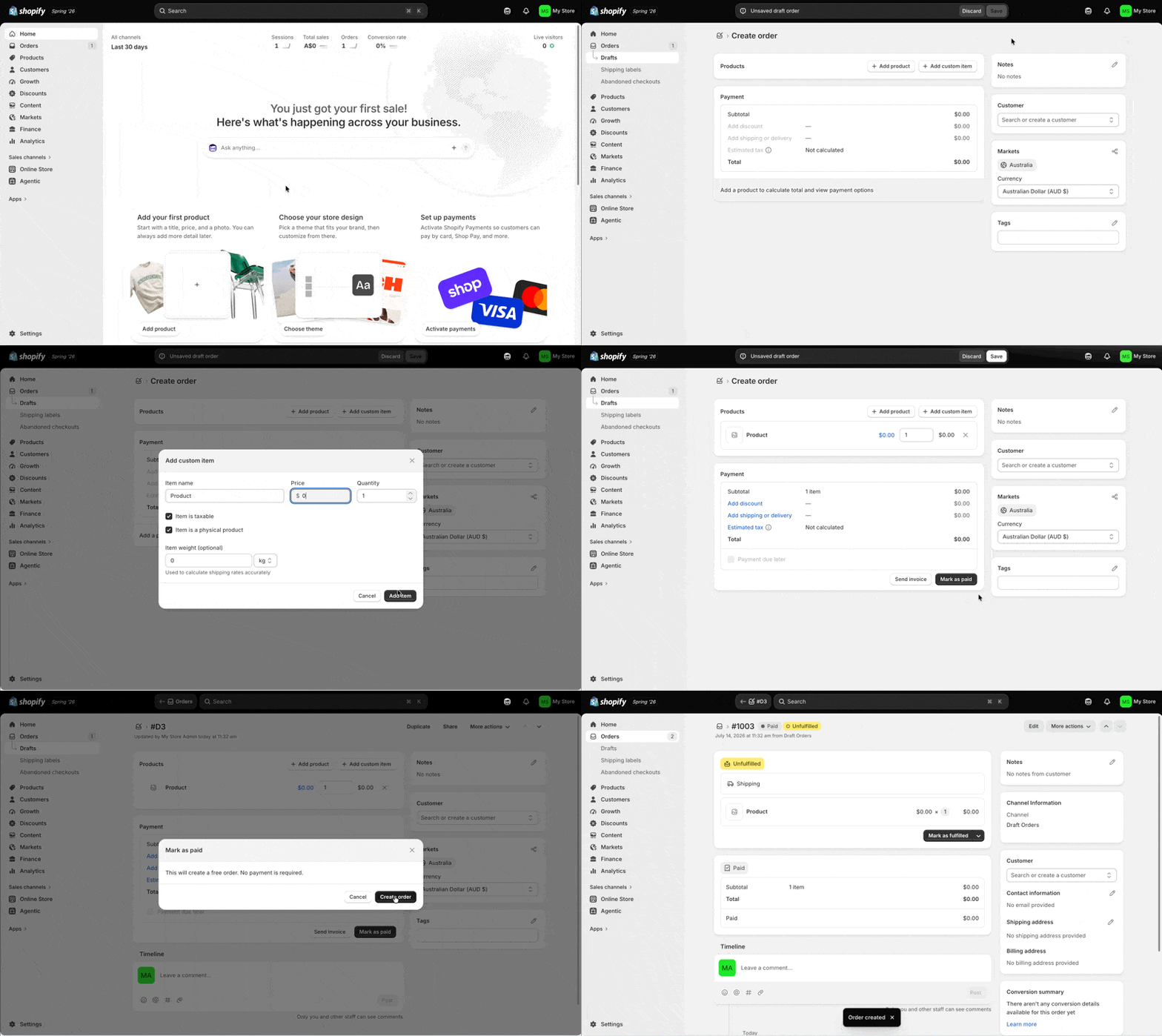
This step ensures the store has at least one order, which is needed for Metorik to connect and sync data.
In your new Shopify store, go to Orders and create a draft order.
Add a Custom Item, call it whatever you like.
Set the order total to $0.
Mark the draft order as Paid.
Step 3: Connect the store to Metorik
In Shopify, visit the app store: https://apps.shopify.com/ and search for "Metorik"
Or visit this link directly https://apps.shopify.com/metorik and click "Install"
Follow the prompts to connect to Metorik, and create your Metorik user account (if you don't already have one).
Click Connect and approve the permissions in Shopify.
Follow the rest of the store onboarding. You can just click "Skip" for most steps.
Step 4: Set this store as the billing partner
In Metorik, make sure this Shopify store is set as the primary billing store for your company subscription. If you only have one store currently, it will automatically be set as the primary billing store.
All other Shopify client stores you connect will be billed through this single Shopify store.
Metorik's subscription charge will be added to your monthly Shopify bill for this store.
Next steps
Connect each client's Shopify store to the same Metorik company.
Read Billing for Multiple Stores to learn how multiple stores share one subscription.
Keep the primary billing store active. Deleting it will end the Metorik subscription.