
How do I delete a store from Metorik?
Deleting a store from your Metorik account only takes a minute. One thing to keep in mind is that you must be the owner of your Metorik company to be able to delete a store.
1. Head to your company settings.
2. In the Stores section, click the delete button next to the store you wish to delete:

3. You'll see a confirmation dialog with a warning that all of the store's data in Metorik—including custom segments, dashboards, and email automations—will be deleted immediately:
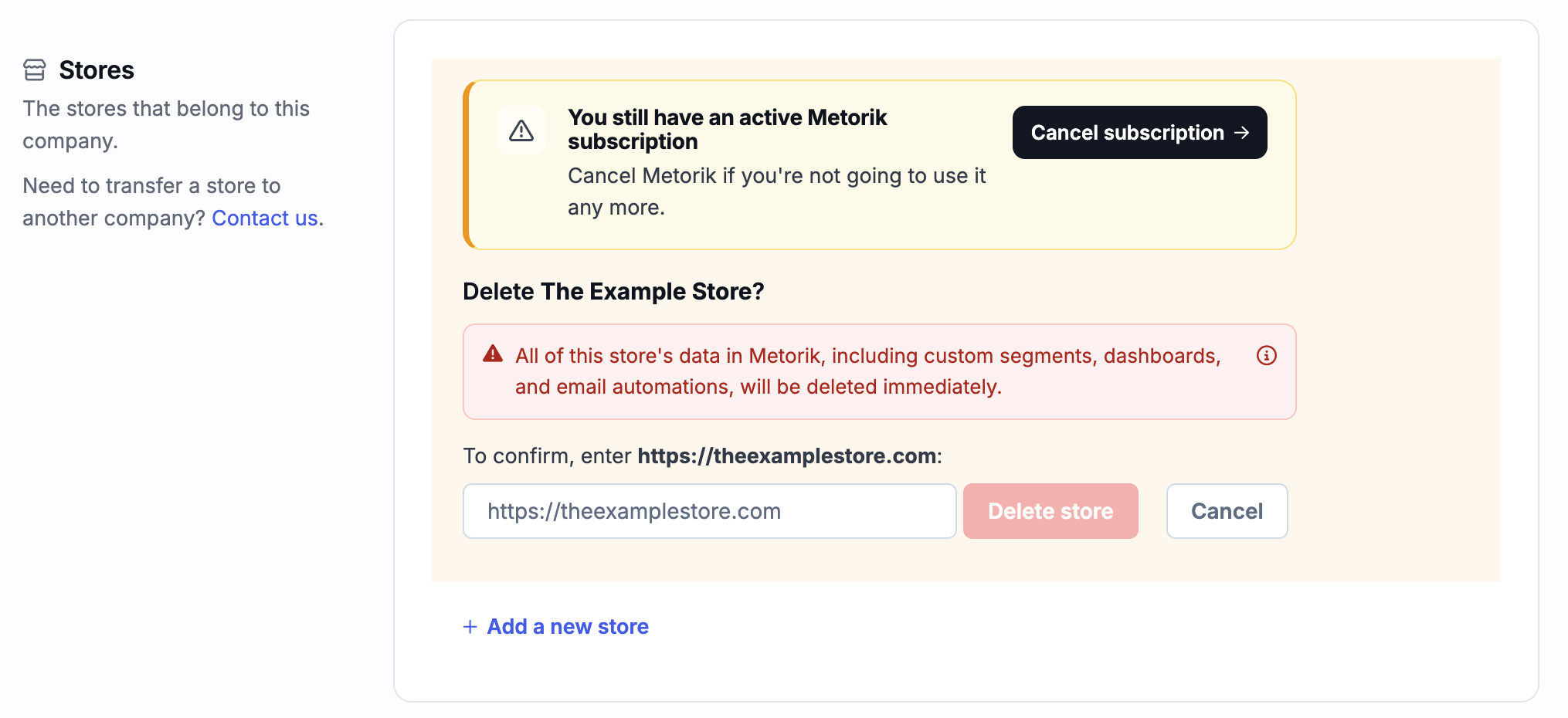
To confirm deletion, enter your store's URL in the field provided and click Delete store. This action is permanent—once confirmed, all your store's data is completely removed from Metorik.
Was this helpful?
Was this helpful?