
How Metorik calculates conversion rate
Metorik calculates your store conversion rate by dividing successful orders by unique visitors for the selected period. The result is displayed as a percentage on the dashboard and in the Orders report.
Where the numbers come from
Unique Visitors comes directly from your connected Google Analytics integration. Metorik does not track visitors independently; it mirrors the active users count from your Google Analytics account for the chosen period.
Successful Orders comes from your store via the WooCommerce API (or Shopify). Only orders with statuses included in your store report settings count toward the total.
The calculation
Metorik uses the following formula:
(Successful Orders / Unique Visitors) × 100 = Conversion Rate
For example, if your store has 8,093 successful orders and 180,941 unique visitors, the calculation would be:
(8,093 / 180,941) × 100 = 4.47%, rounded to 4.5%
How to view the underlying data
The conversion rate is visible on the dashboard CR card.
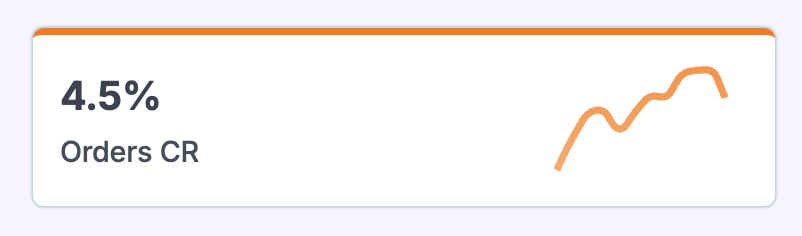
Click the card to open the Orders report, where you can see the exact order count and unique visitor total used in the calculation.
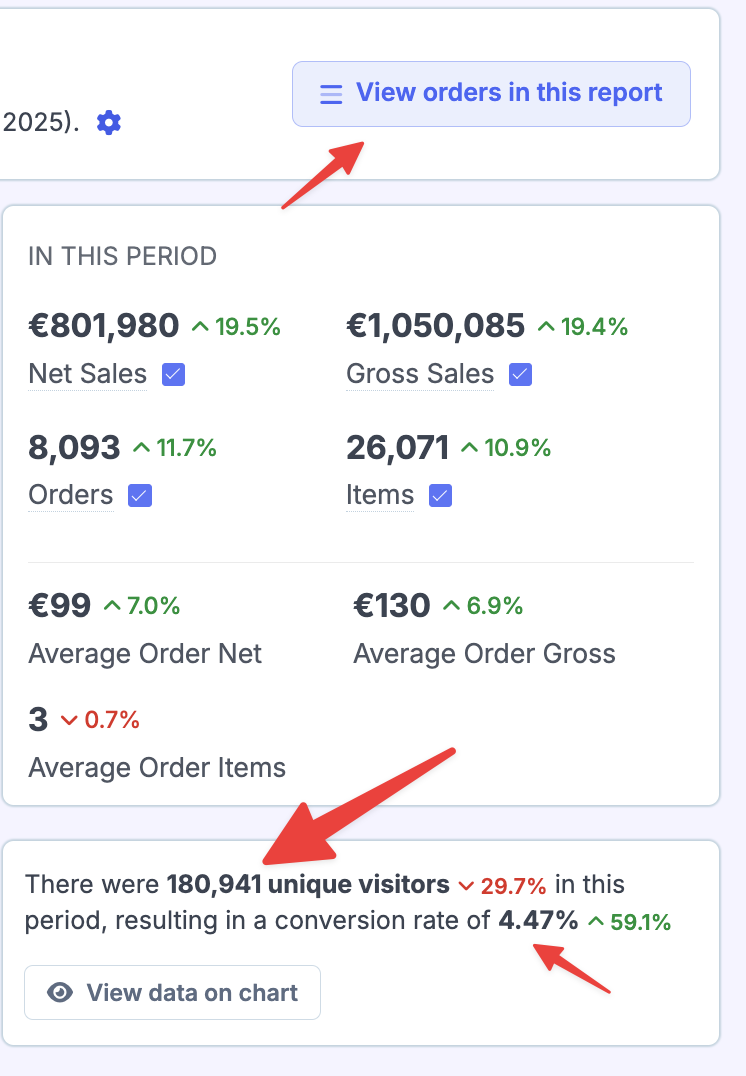
In the Orders report, you can also click View orders in this report to see the exact orders included in the count.
Why the numbers might look too high or too low
If your unique visitor count looks unexpectedly high, or your conversion rate looks lower than you expect from other tools, the most likely cause is the visitor data from Google Analytics.
Because Metorik pulls visitor numbers directly from Google Analytics, any discrepancy between Metorik and another analytics platform usually reflects a difference in:
How users are identified and counted (sessions vs. active users vs. unique visitors)
Bot or spam traffic filtering in GA4
Tracking setup issues in your GA4 property
Similarly, if your order count looks off, check your store report settings to confirm which order statuses are included or excluded.
If the numbers still look wrong
If you suspect a Google Analytics issue, try disconnecting and reconnecting the Google Analytics integration. If the numbers in GA4 itself look incorrect, you may need to review your GA4 property's tracking configuration or traffic filters directly in Google Analytics.
For a full explanation of how unique visitors are defined and how they differ from sessions, see What does "Unique Visitors" mean in Metorik?