How to contact Metorik support
At Metorik, we pride ourselves on providing excellent human customer support. Our team is here to help you succeed with your store. If you want to talk to a human, use any of the options below.
You'll likely find an instant solution for frequently asked questions or troubleshooting problems using the chat assistant in your Metorik app or browsing our help center — we've built a comprehensive library of guides covering reports, profit tracking, segmentation, Engage, integrations, and more.
Talk to a human
If you can't find what you're looking for, we're just a click away. The fastest way to reach our support team is through the chat beacon in your Metorik app:
Contact us using the chat beacon
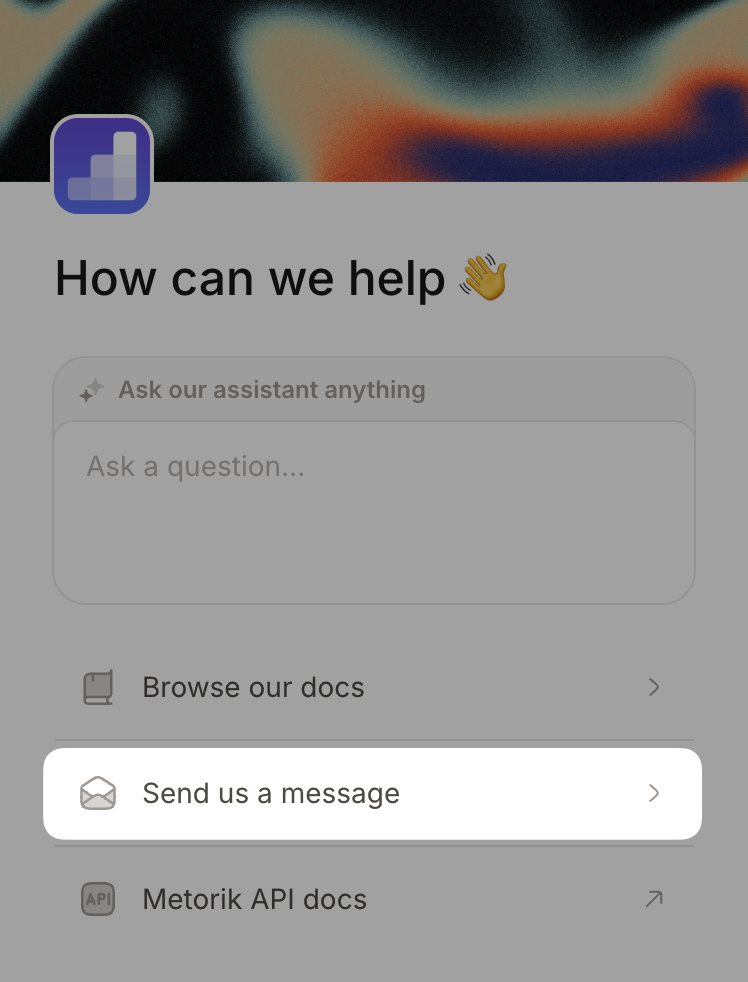
Send us a message
From the chat beacon main menu, click Send us a message.
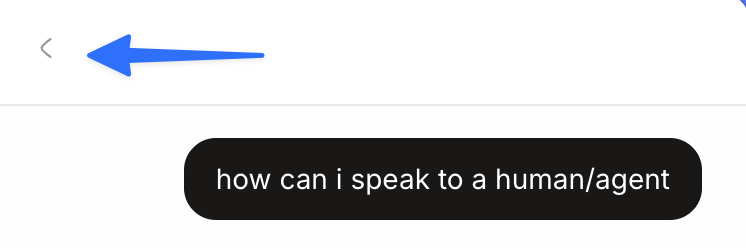
If you're in the AI chat, click the back arrow
If you're already chatting with the AI assistant and want to reach support, click the back arrow (←) in the top left corner to return to the main menu first.
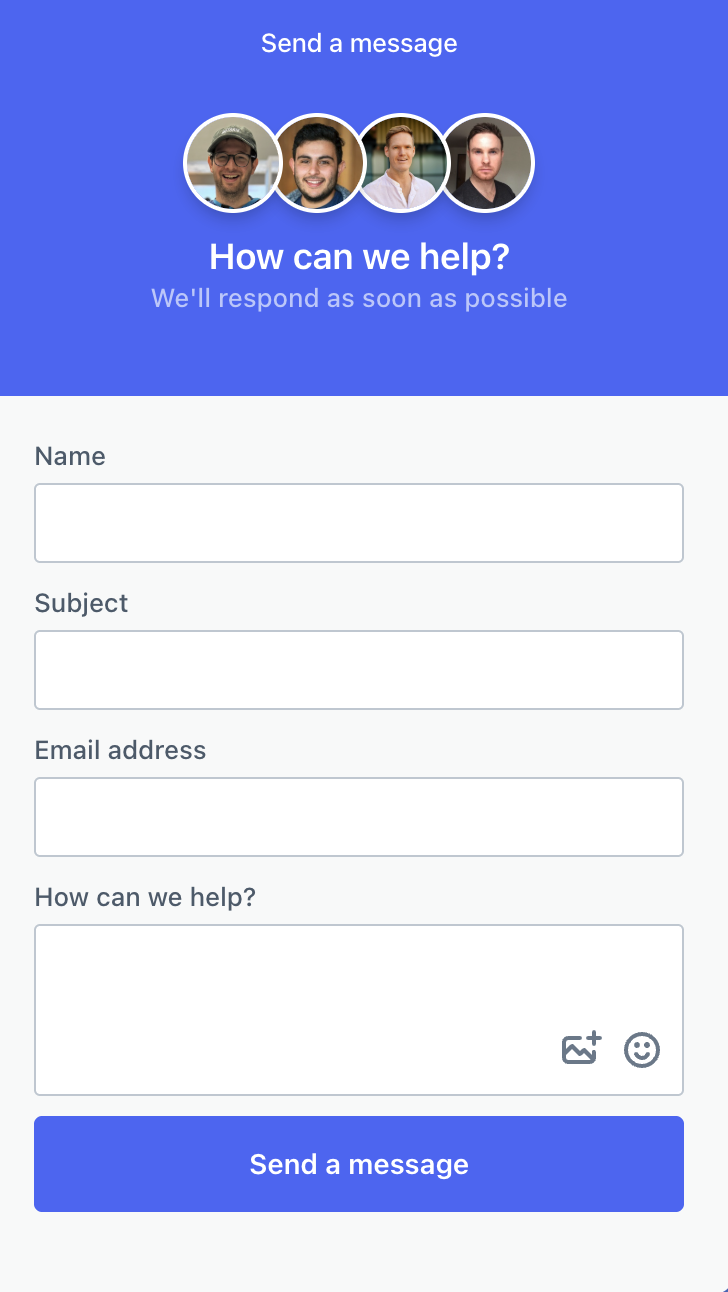
Fill in the contact form
Enter your message and submit the form. Our support team will respond as quickly as possible.
From the Metorik app
If you're already logged into Metorik, you can quickly reach support from the app:
Click your avatar
Click your avatar in the top right corner of any page in Metorik.
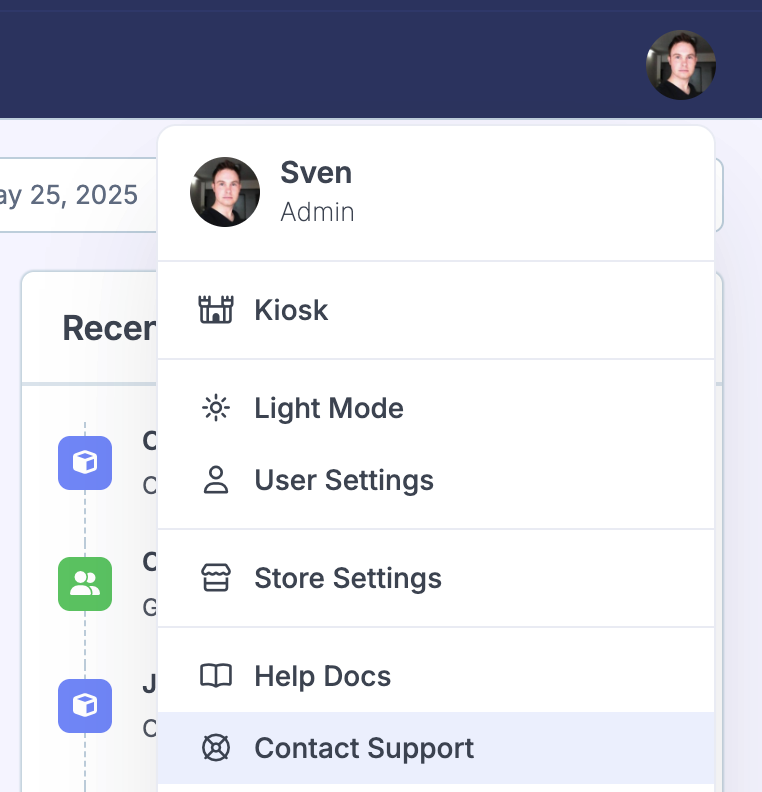
Select Contact Support
From the dropdown menu, select Contact Support to open the support form.
Contact us via email
If you prefer email or can't access the chat beacon, you can reach our support team at:
We respond to all inquiries as quickly as possible.
The chat beacon is the fastest way to get help. Use the steps above to contact us directly from within Metorik.