
Variable fallbacks for Engage
When writing an Engage email, you can insert variables in order to personalise the email. For example, we can use the {billing_address_first_name} variable to insert the customer's name:
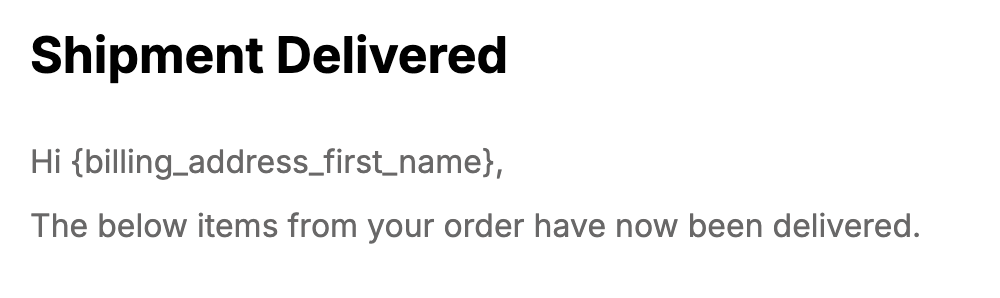
The variable will automatically be replaced with their name:
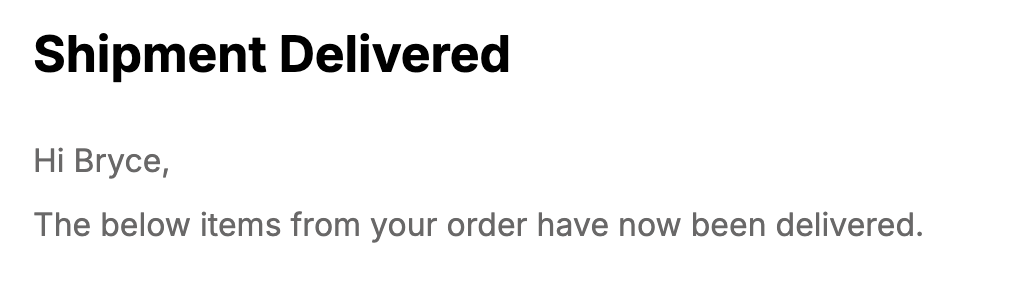
But if the first name is missing, it would look like this:
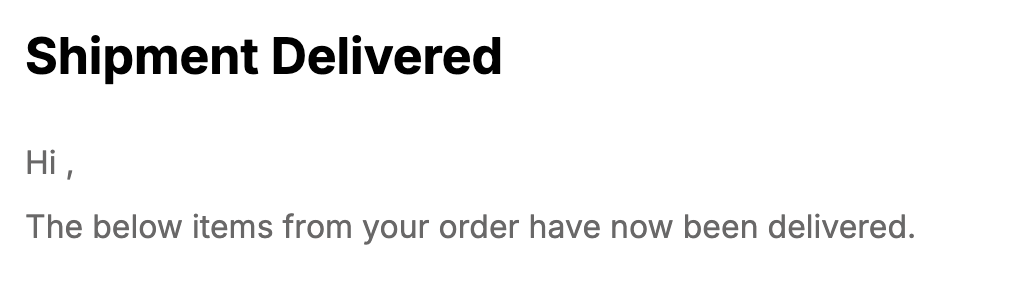
That empty space doesn't look great! Fortunately, you can add a fallback that will be used when there's no value by adding a pipe character | after the variable name. So instead of writing {billing_address_first_name}, you'd write {billing_address_first_name|there}, where there will be used if no billing address first name exists:
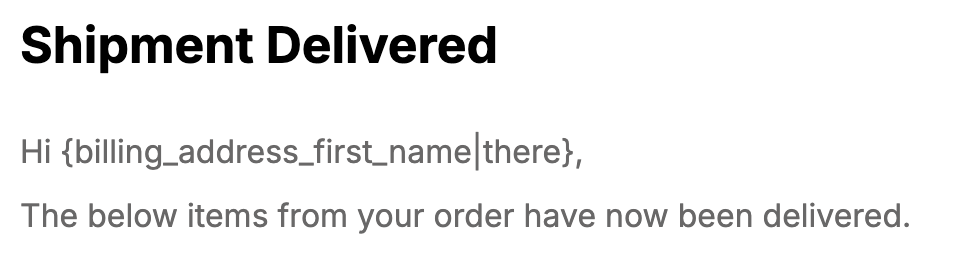
For an order with no name, this will show like so:
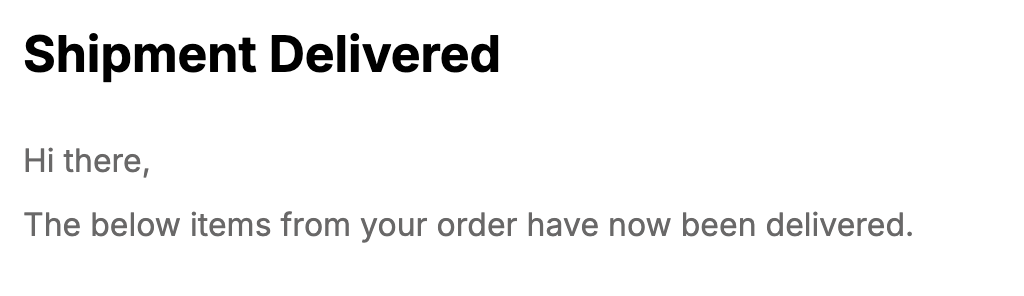
Custom fields
This also works with custom fields/meta. By adding the fallback after the | in this example:
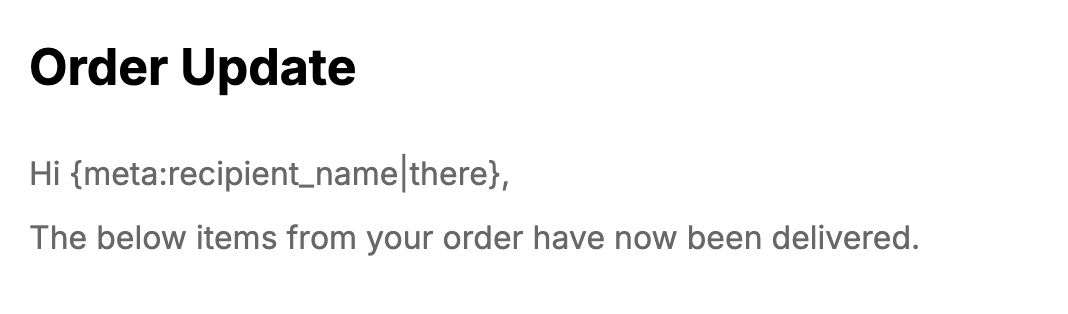
It will try to get the value of the custom field recipient_name. If none exists, it will use there as a fallback value. Metorik Properties work the same way: insert a property with an optional fallback after the |, and the fallback is used when the person has no value for that property. Learn more in Metorik Properties.
Metorik Properties also have an HTML form, {property_html:key}, which renders the stored value as HTML in the email body. It supports fallbacks the same way: {property_html:recommendation|<p>Welcome!</p>} uses the fallback when the property does not exist, while a property that exists but is empty stays empty. See Metorik Properties for when to use the HTML form.
Other fields
This works for most Engage variables, but be sure to test it first in case it's not supported with the variable you're using. Please reach out if you have any issues.